
Bulk Sending
Bulk Sending lets you send a one-off announcement by SMS or WhatsApp to your guests. The difference from campaigns: a campaign runs automatically off a condition, while a bulk send goes to everyone at the moment you choose.
How do I open this screen? From the left menu, go to Bumerang → CAMPAIGN → Bulk Sending.
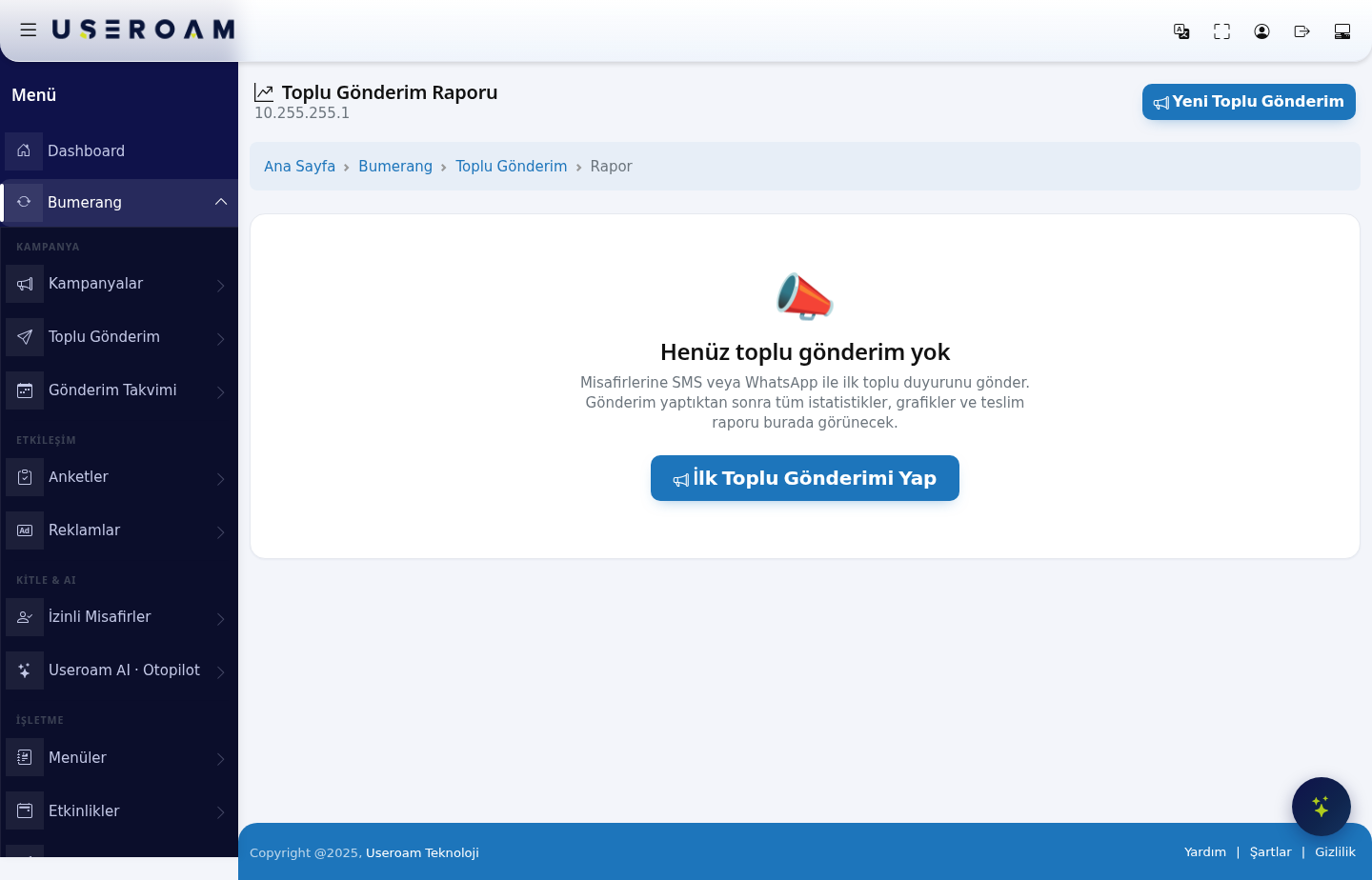
The top of the page shows which device (NAS) the data belongs to.
Before your first send
The screen greets you with:
"📣 No bulk sends yet. Send your first bulk announcement to your guests by SMS or WhatsApp. Once you have sent one, all the statistics, charts and the delivery report will appear here."
Start with Make the first bulk send or New Bulk Send.
The report after sending
Once you have sent something, this screen becomes a reporting screen: statistics, charts and the delivery report appear here. This is where you track how many messages were delivered and how many were clicked.
Recommendations
- Choosing the channel: WhatsApp uses no SMS credit; if you have an opted-in WhatsApp pool, use it first. You can see your opted-in pool on the Bumerang → Opted-in Guests page.
- Timing: pick the send time from the density map on the Analytics and Reports → Visit Analytics page — one to two hours before the guest could realistically come in.
- Frequency: use bulk sends sparingly. Frequent announcements erode your opted-in list quickly.
Related pages: Bumerang → Sending Calendar, Campaigns, Opted-in Guests, Bumerang Reports.