
SMS Portal Settings
The SMS Portal Settings screen is used to switch registration by mobile phone number on or off on the welcome screen. The guest enters their number, is verified by the confirmation SMS, and gets internet access.
How do I open this screen? From the left menu, go to Captive Portal → SMS Portal Settings.
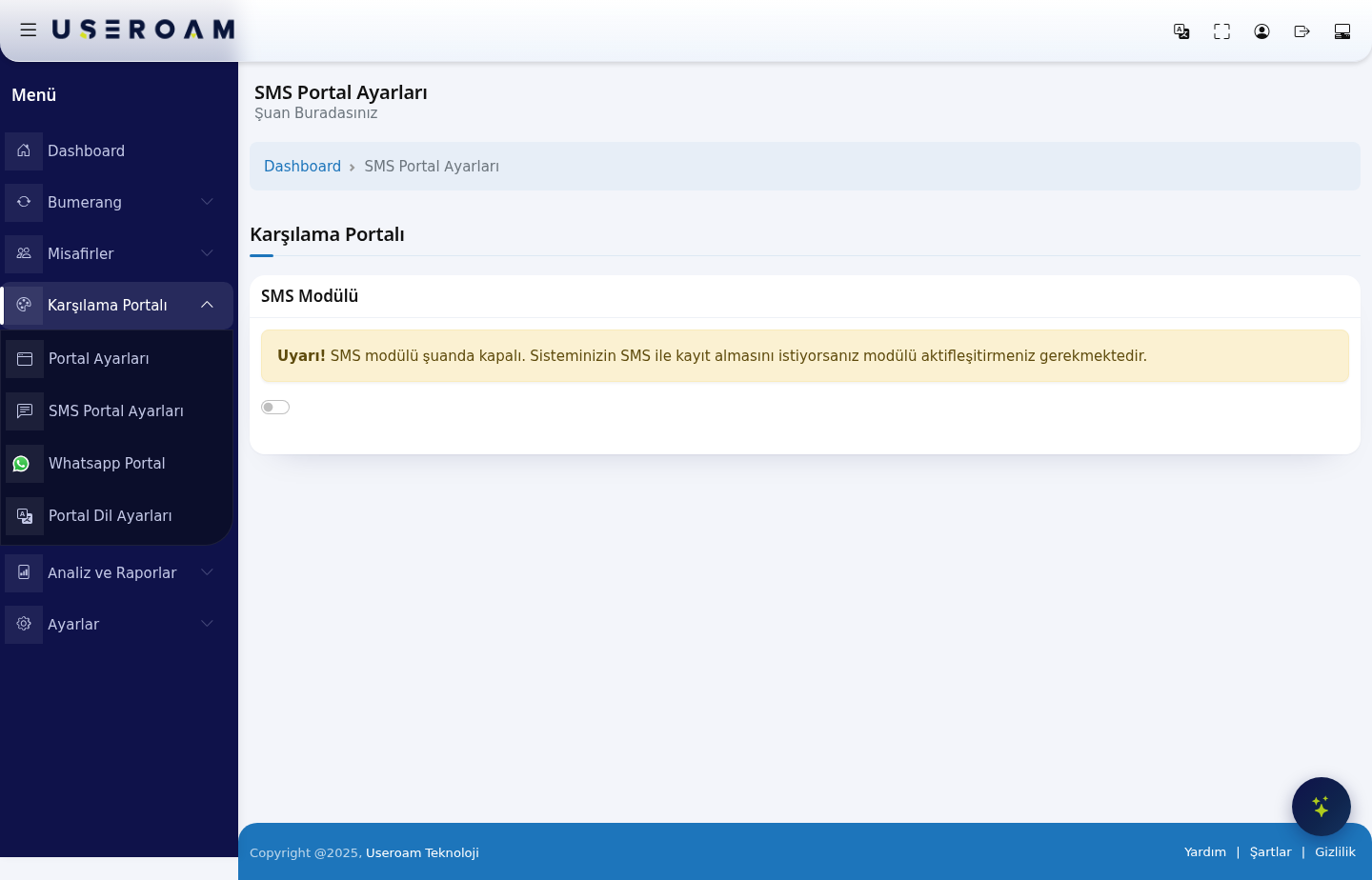
SMS Module
The SMS Module switch sits at the top of the page. While the module is off, the screen shows only this warning:
"Warning! SMS module is currently turned off. If you want your system to accept registration via SMS, you must activate the module."
- Switch off: the guest does not see the SMS login option on the welcome screen.
- Switch on: the SMS registration flow becomes available.
How do I test the result?
After saving, open the welcome screen as the guest sees it. Connect a device to your test network's portal address (for example http://192.168.2.1:8090/) and confirm the login options appear as expected.
Related pages: Captive Portal → Portal Settings (appearance and login fields), Settings → SMS Settings (provider and message), Guests → SMS / WhatsApp Users, Analytics and Reports → SMS / WhatsApp Reports.