
Bulk Users
Bulk Users lets you generate many user accounts at once instead of creating them one by one. It is the practical way to give access to large groups — conference attendees, camp or hotel periods, corporate training sessions.
How do I open this screen? From the left menu, go to Guests → Bulk Users.
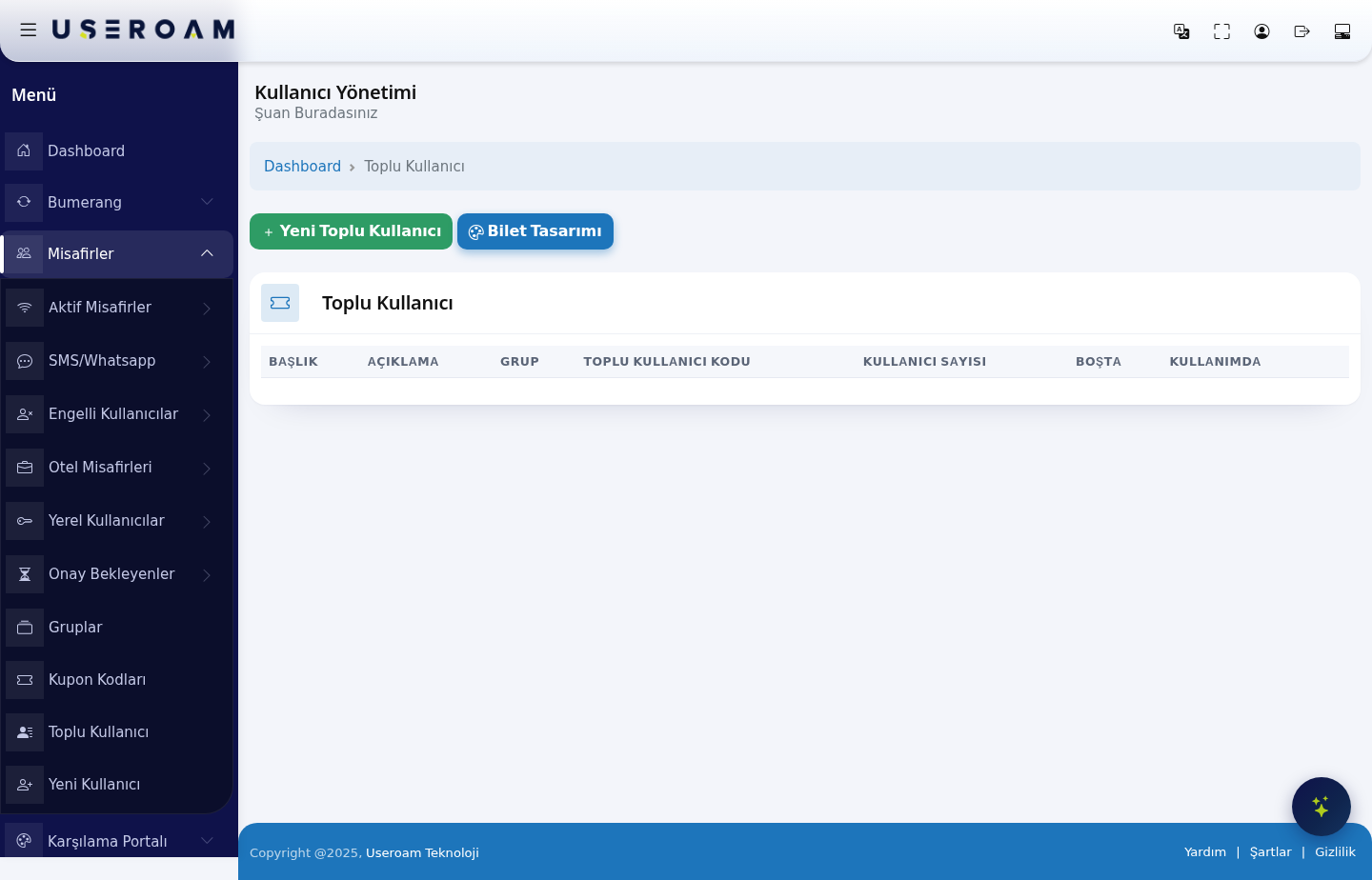
Table columns
- TITLE: the name of the bulk-user batch.
- DESCRIPTION: free text describing the batch.
- GROUP: the group the generated users belong to. Duration, quota and speed rules come from it.
- BULK USER CODE: the code identifying the batch.
- USER COUNT: the total number of accounts generated.
- IDLE: how many accounts nobody has used yet.
- IN USE: how many accounts have been taken up — this is how you see how many people actually connected during an event.
New Bulk User
Use the New Bulk User button to generate a new batch. You set the title, description, group and the number of users to create. The system generates the usernames and passwords automatically.
Choosing the group matters: since duration and quota rules come from the group, pick one that matches the length of the event. For a two-day conference, for example, use a group with two days' validity (Guests → Groups).
Ticket Design
The Ticket Design button edits the template the generated username/password pairs are printed on. Print it, cut it up and hand the slips to attendees.
Related pages: Guests → Groups, Guests → Coupon Codes, Guests → Local Users.