
Speed Limits and IP Distribution
This page covers two technical guest-network screens: Speed Limits, which divides up bandwidth, and IP Distribution, which shows how addresses are handed out.
Warning: Changes on both screens are applied to the device immediately and cannot be undone.
1. Speed Limits
How do I open it? MikroTik Management → GUEST NETWORK → Speed Limits.
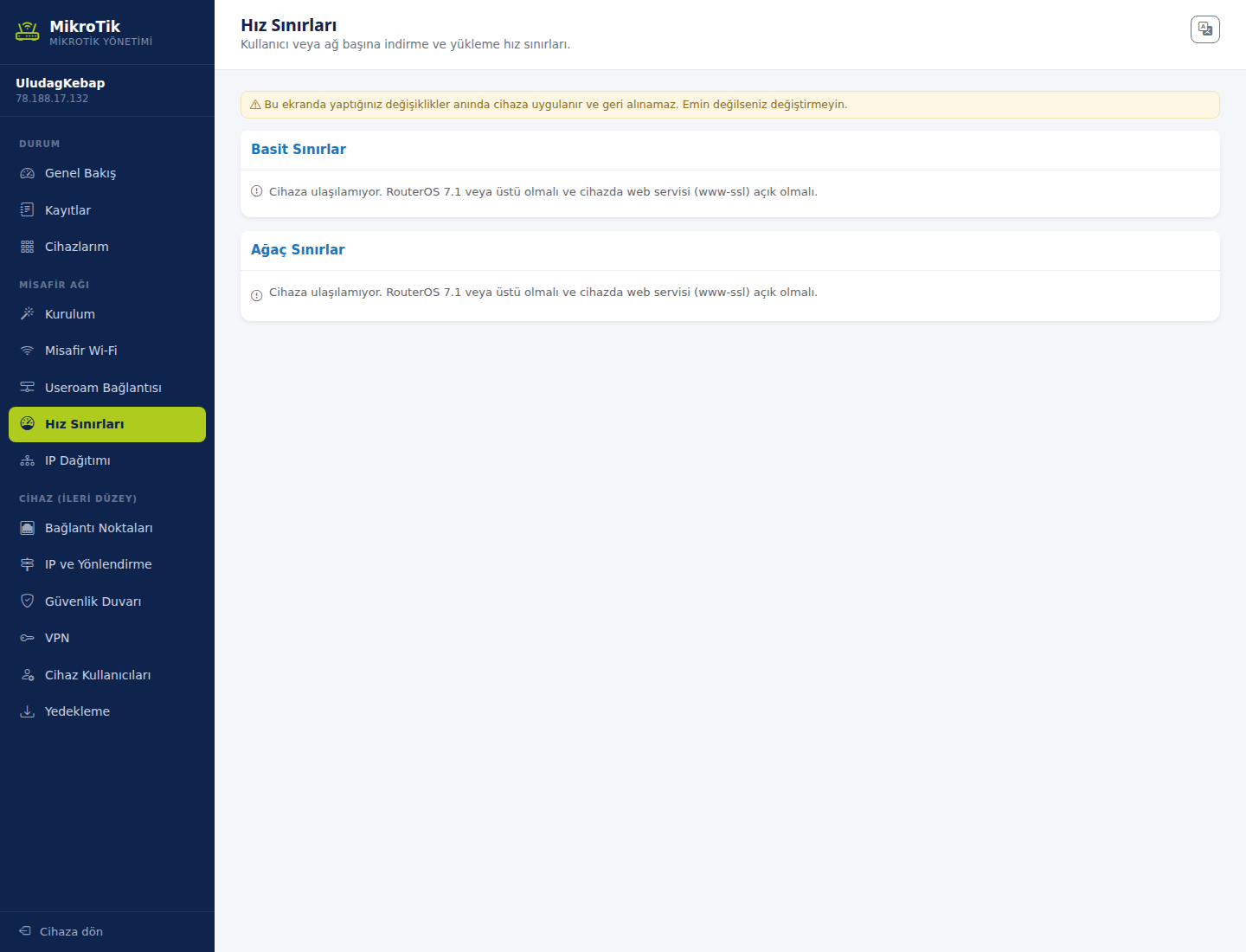
Holds download and upload limits per user or network, in two sections:
- Simple limits: Applied directly to a single target. This covers everyday use.
- Tree limits: Hierarchical limits — used to share total bandwidth between groups.
To put a quick limit on one device or on the whole guest network, you can also use the Set a speed limit box on the Overview screen.
2. IP Distribution
How do I open it? MikroTik Management → GUEST NETWORK → IP Distribution.
The device hands out addresses automatically to computers and phones on the network (DHCP). This screen shows who holds which IP address, in three sections:
- IP pools: The address ranges to hand out. The setup wizard derives this range from the guest gateway address automatically.
- DHCP servers: Which pool is served on which interface.
- Connected devices: Devices currently holding an address.
To keep a device on the same address permanently, use the Give a device a fixed IP box on the Overview screen.
Related pages: MikroTik Management → Overview, Device (Advanced).