
Report
TheThis screen has moved to Operations. Reports now live on the Report tab is the logbook of daily tasks: who completed what, when, and with which measurement. It is used for audits and shift handovers, and its records are never deleted.
How do I open this screen?Open the module underBumerang → BUSINESS (İŞLETME) → Restaurant (Restoran)and switch totheReportVenue → Operationstab.
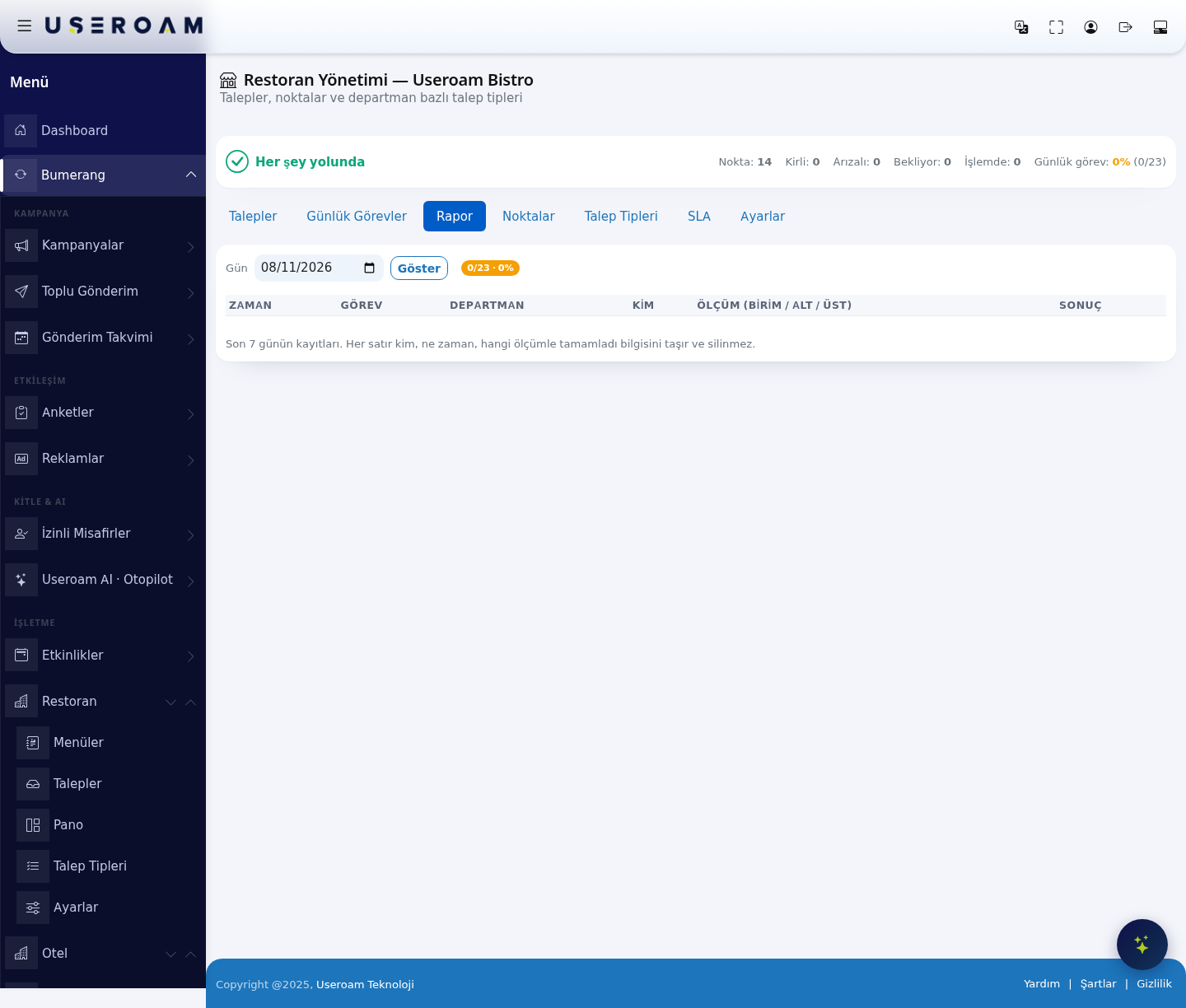
1. Choosing a day
Enter a datescreen in the Dayleft fieldmenu, shared by the restaurant and presshotel modules. Restaurant Management now keeps only ShowRequests. Theand completionSettings; rateits forOperations thatlink daytakes appearsyou nextthere.
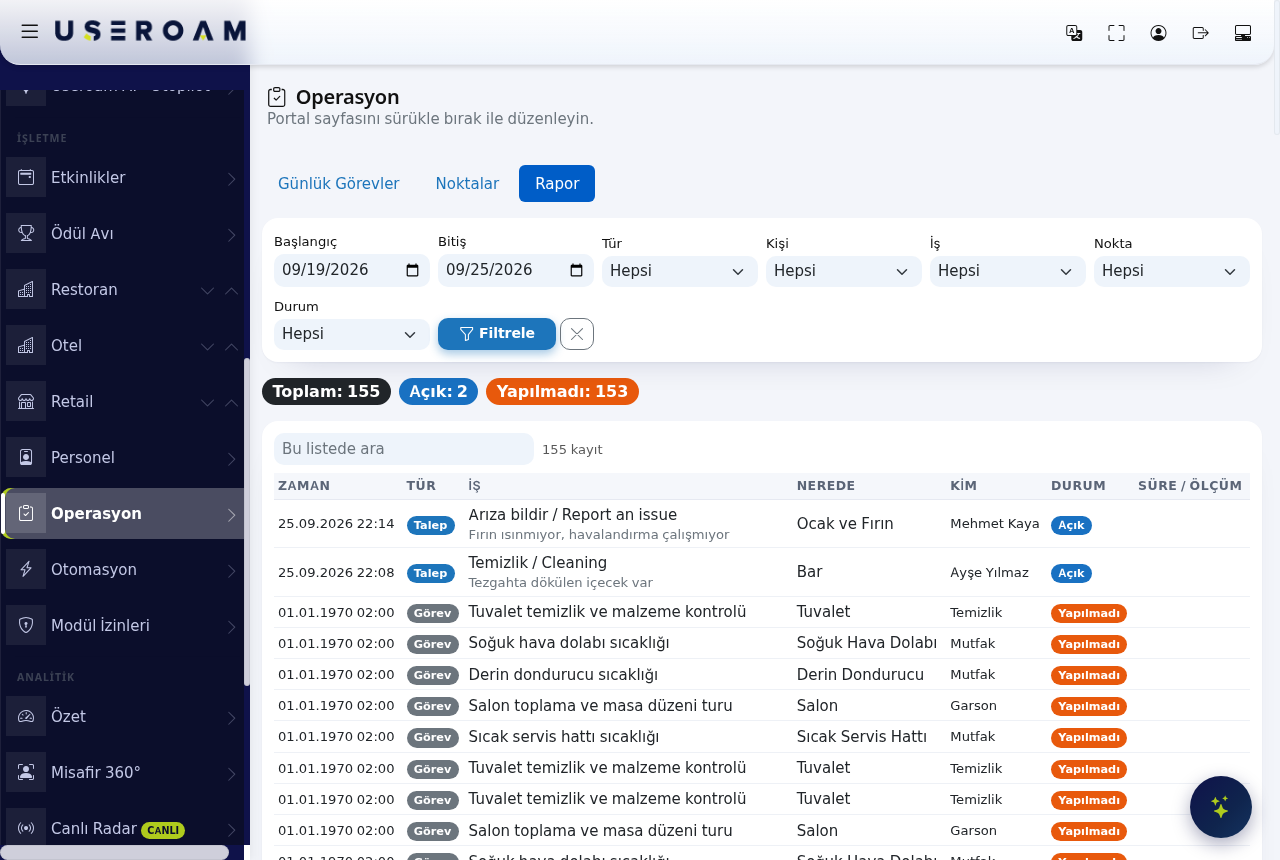
For the recordsfull ofguide, thesee lastRestaurant 7Solution days→ Operations.
2. Record table
Columns:
Time:When the task was ticked off.Task:The task name.Department:The department the task belongs to.Who:The staff member who completed it.Measurement (unit / min / max):For measurement tasks, the value entered and the accepted range.Result:Whether the task passed — a reading inside the range passes, one outside fails.
Why it matters:Food safety inspections ask for temperature records. Because this table permanently keeps who took each reading and at what time, it can be used directly during an inspection.
Related pages:
Restaurant Solution → Daily TasksOperations,PointsRequests.