
Calls
The Calls tab collects the calls guests make from the QR code at their table: calling a waiter and asking for the bill. A push notification reaches the phone as each call arrives.
How do I open it? The Calls item in the bottom bar.
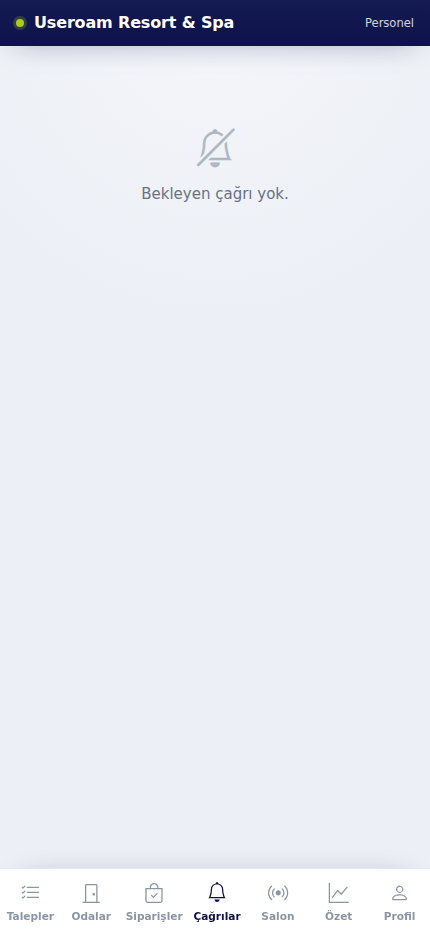
1. The call list
Every call shows the table number, the type of call and the time. Bill requests also carry the guest's payment preference (cash / card). With nothing waiting it reads "No pending calls."
You take the call on, and close it once you have been to the table; it drops off the panel's Operations Screen at the same moment.
Where does the table number come from? From the table QR code the guest scanned. If table QR codes have not been created, calls arrive without a table.
Related pages: Useroam Go → Orders; Restaurant Solution → Operations Screen, SLA.