
WhatsApp Portal Settings
WhatsApp Portal Settings
WhatsAppmanage loginthe letsflow in which guests enterregister theirfrom phonethe numberwelcome screen over WhatsApp. The guest taps "Log in with WhatsApp", sends the message in the chat that opens, and receiveis logged in automatically once delivery is confirmed. Because it uses no SMS credit, it is the verificationpreferred codeoption asat abusy WhatsApp message. Its settings are identical to the SMS portal.locations.
How do I open
it?this screen? From the left menu, go to Captive Portal →
Use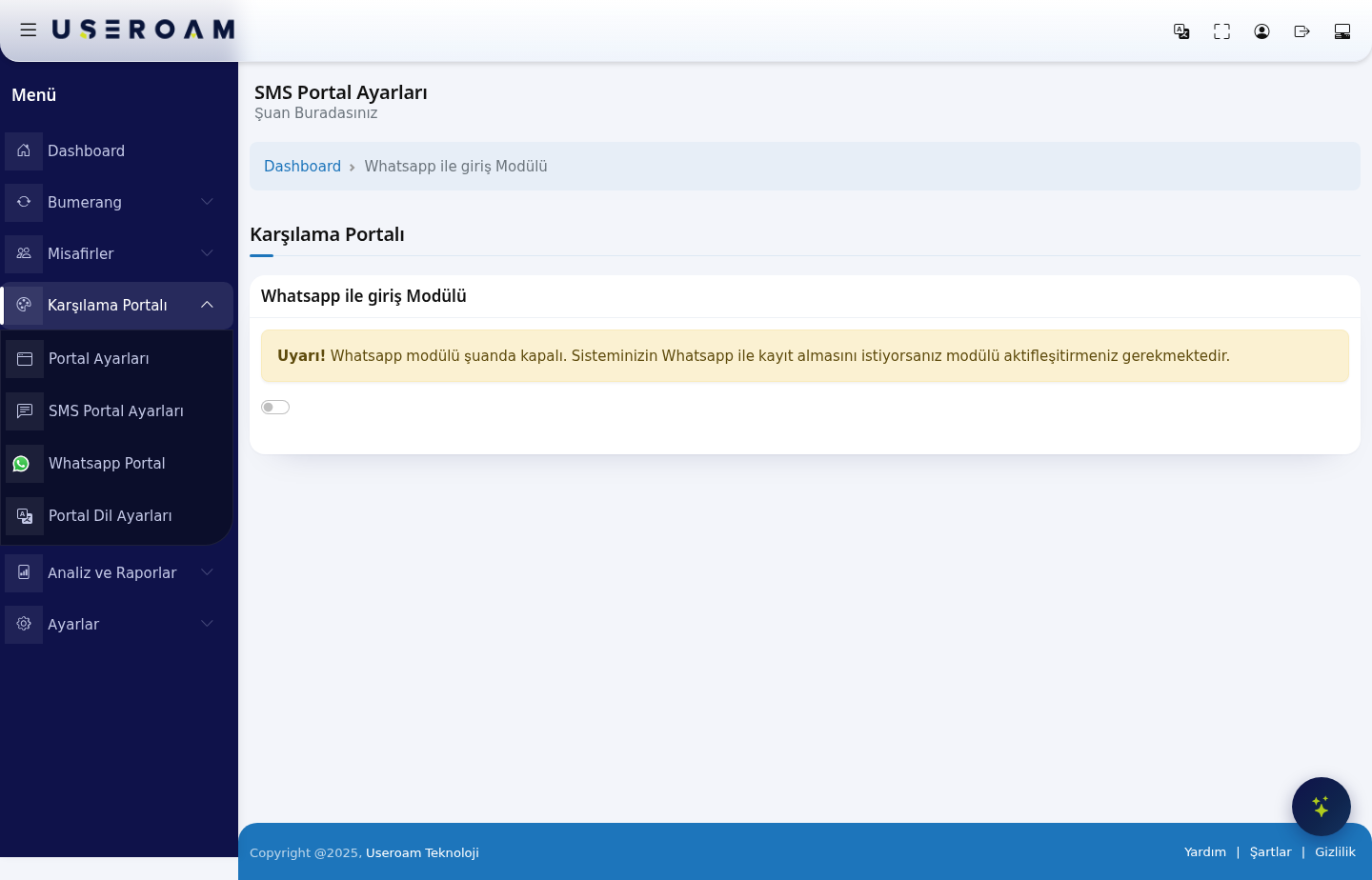
WhatsApp login module
The WhatsApp login module switch (Whatsapp Login Module)sits at the top of the page. While the module is off, the screen shows only this warning:
Warning! Whatsapp module is currently turned off. If you want your system to
turnacceptitregistration with Whatsapp, you must activate the module.
Turning the switch on orreveals off. The page hasthe General Settings and Theme Settings tabs.
*.wa.me, *.whatsapp.com, *.whatsapp.net, g.whatsapp.net, mmg.whatsapp.net, fbsbx.com and *.useroam.com. Without these rules the WhatsApp login screen will not open. See the page for your device under Installation Guides for details.1. General Settings
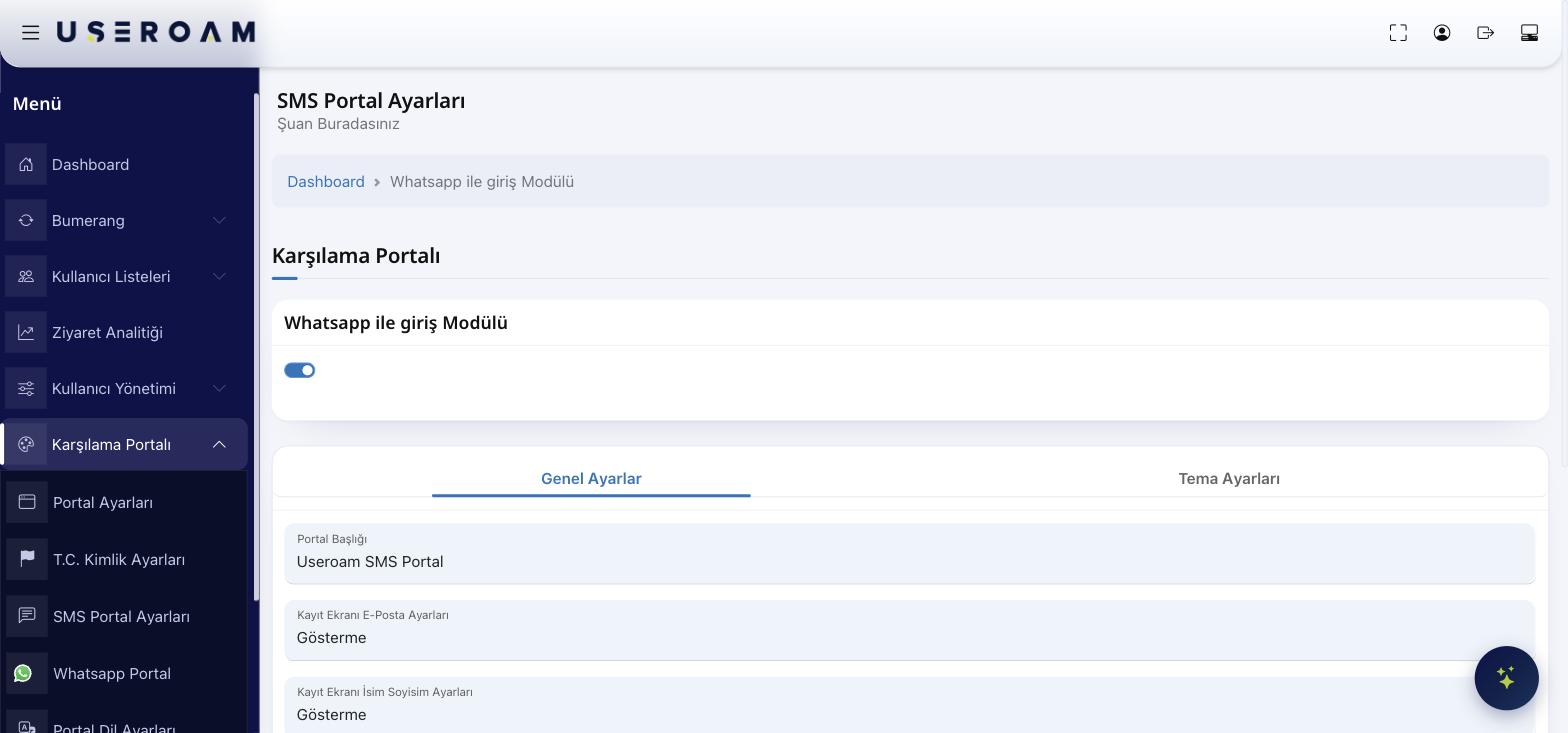
- Portal Title:
Thethe text shown at the top of theloginWhatsApp registration screen. RegistrationEmailE-mailsettingsSetting:on the registration screen: Show,/Show andRequiredrequire/orHide.Hide.- Name and surname settings on the registration screen: the same three options.
- Registration
Name/SurnamewithSetting:coupon:Showlets/guestsShowregisterandwithRequireda/couponHide.code. Codes are generated on the Guests → Coupon Codes page. RegisterEmailwith Coupon:permission:Turnshowsontheformarketing-emailcoupon-codeconsentlogin.checkbox; guests who consent count as opted in in Bumerang.City/District/Neighborhood:Province / district / neighbourhood selection:Turnasksonthetoguestcollectfor locationdetails.details, used in reporting and segmentation.- Status:
Activedetermines/whetherPassivethe/WhatsAppPendingportalApproval.is live.
PressConfirm your changes with Save after changes..
2. Theme Settings
The appearance settings areof the sameWhatsApp asregistration thescreen SMSis portal:configured independently: Logo Selection, and Logo Size, Background Selection, and colorssix colour fields (Login Box,Box Button,Colour, Button Hover,Colour, Button Text,Hover, Link,Button Text)Text Colour, Link Colour, Text Colour). Reset Colours returns everything to the defaults.
Related pages: Settings → WhatsApp Settings (line/service configuration), Guests → SMS / WhatsApp Users, Analytics and Reports → SMS / WhatsApp Reports.
Important — Firewall Permission
For WhatsApp login to work, guests must reach WhatsApp servers before they go online. Your firewall / walled-garden must allow WhatsApp addresses. See the"WhatsApp Login — Firewall Allowlist"section in the setup guides for the list.
Tips & FAQ
Guest can't see the code in WhatsApp.Usually the firewall permission is missing; apply the allowlist above.Advantage over SMS: the message is free (WhatsApp), but the guest must have WhatsApp installed.