
Device (Advanced)
This page covers the five screens in the module's DEVICE (ADVANCED) group. They touch the device's core network configuration; they are not needed for day-to-day operation, but are used when troubleshooting or verifying a setup.
Warning: Changes on these screens are applied to the device immediately and cannot be undone. If you are unsure, do not change anything.
1. Ports
The device's ports and wireless interfaces: which are up, and how much data has passed through them.
The This device's connections box at the top answers two questions: which interface carries the internet uplink, and which carries the guest network. If the device cannot be read, both show undetermined. Checking here before running the setup wizard makes choosing the right interface easier.
2. IP and Routing
The device's IP addresses, its route to the internet and its DNS settings, in three sections: IP addresses, routing table and DNS setting.
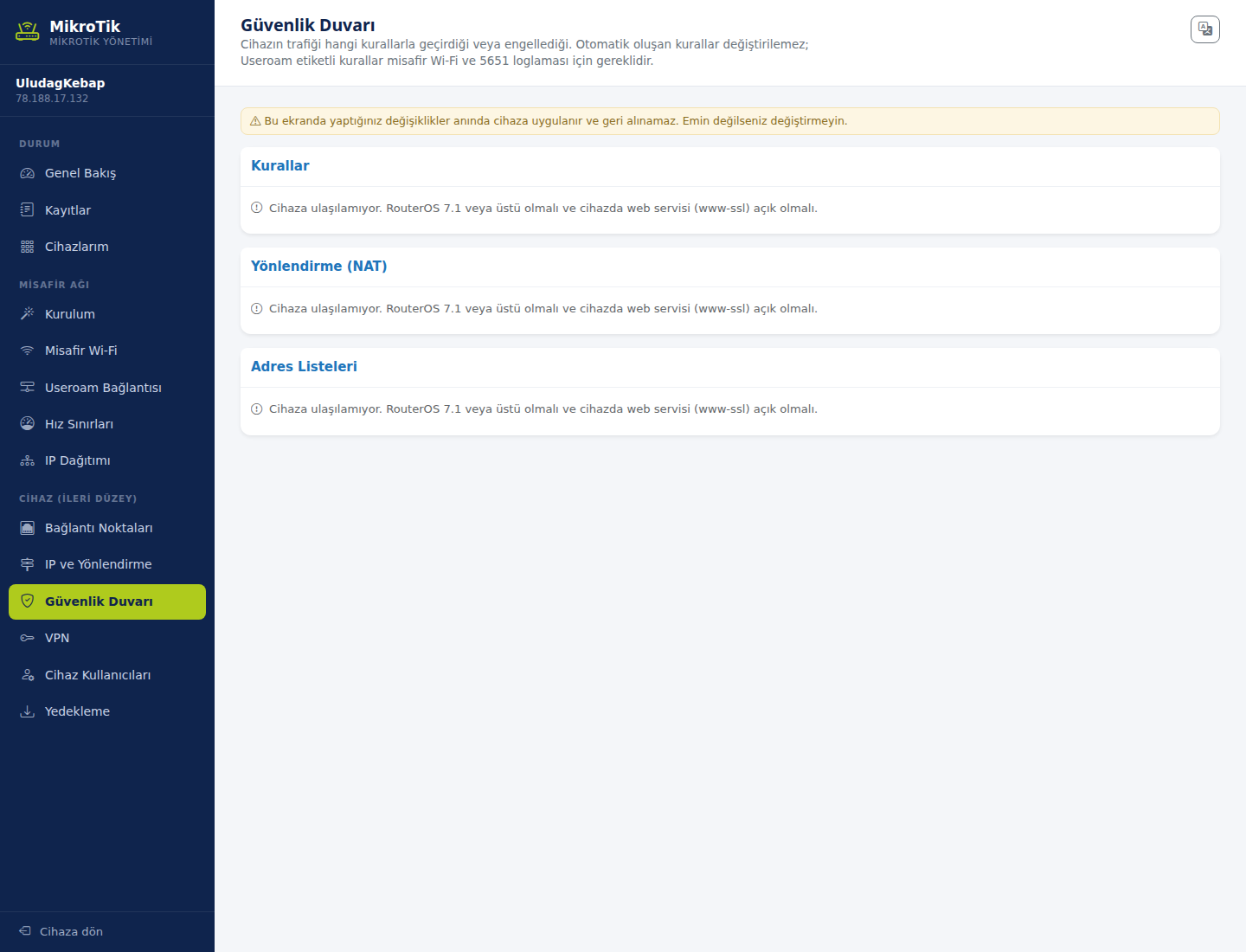
3. Firewall
Shows the rules by which the device passes or blocks traffic, in three sections: Rules, NAT and Address lists.
What not to touch: Automatically created rules cannot be changed. Rules tagged Useroam are required for guest Wi-Fi and 5651 logging — removing them breaks legal logging.
4. VPN
Settings for secure remote access: WireGuard, IPsec and PPP accounts.
WireGuard already ships built into your device; it only needs defining. The Set up VPN button creates the interface, the address and the required firewall permission in one go. The sections below list WireGuard interfaces, WireGuard peers, PPP accounts and IPsec peers.
5. Device Accounts
The device's own management accounts, listed as management accounts and permission groups. Guest Wi-Fi users are not here — they are in the Guest Wi-Fi section.
You cannot change anything here. Useroam's API account on the device does not hold the user-management permission. This is a deliberate security boundary: even if the panel were compromised, the device's management accounts could not be altered. If you need to change them, connect to the device directly.
Related pages: MikroTik Management → Setup Wizard, Speed Limits and IP Distribution.