
Automation
Retail Automation is the rule engine that sends automatic SMS, coupons and campaigns when data is collected. You set it up once and the system then acts on its own — on a birthday, on a wheel prize, or when a customer drifts away.
How do I open this screen? From the left menu, go to Bumerang → Retail → Automation.
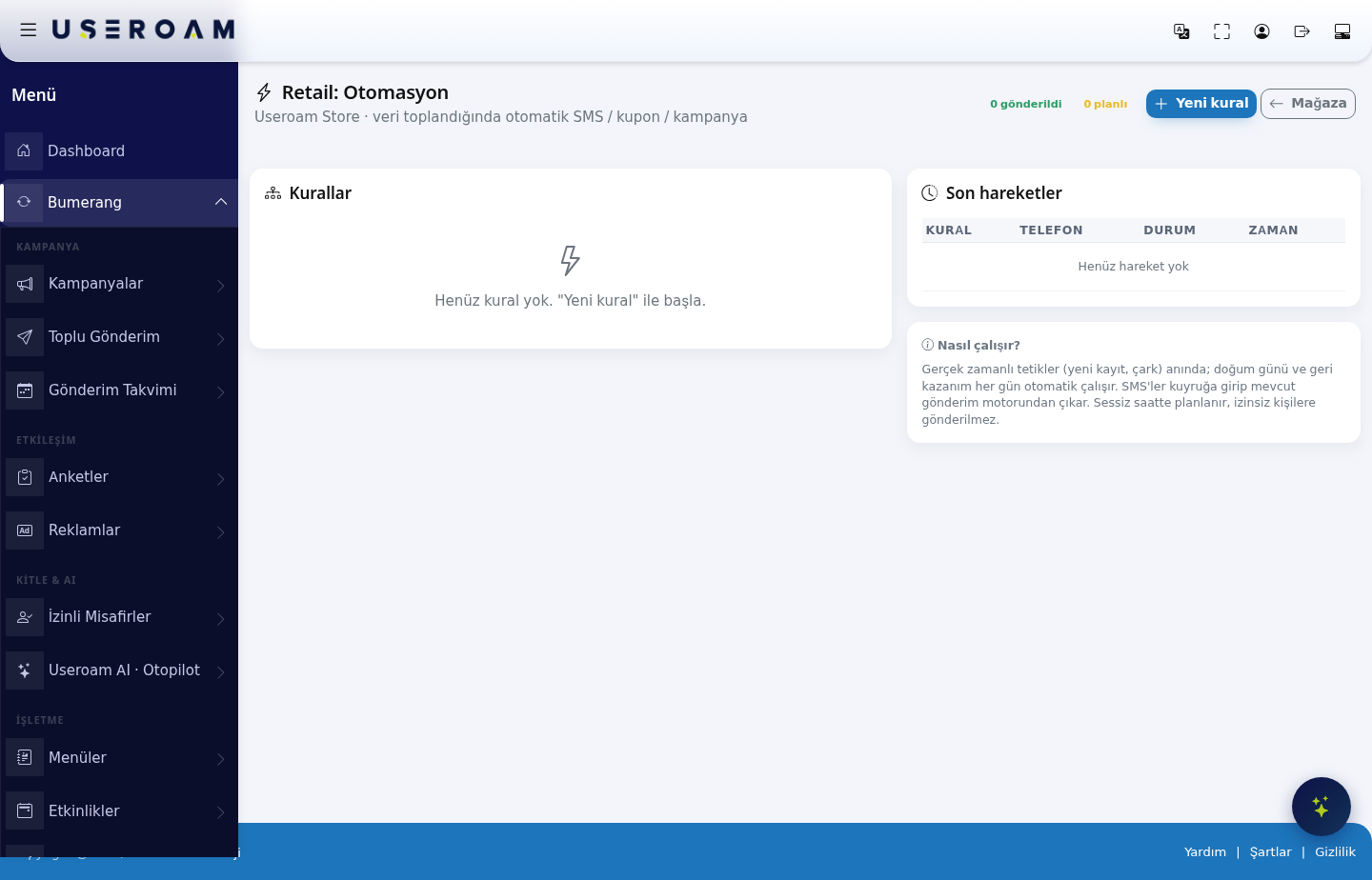
The sent and scheduled counts appear at the top.
How it works
Real-time triggers (new registration, wheel) fire immediately; birthday and win-back rules run automatically every day. Messages enter a queue and leave through the existing delivery engine. They are rescheduled around quiet hours and never sent to people without consent.
New rule
1. Definition and trigger
- Rule name: a name identifying the rule.
- Trigger: when the rule fires:
- New registration — when a guest submits the form.
- Won a wheel prize — when the spin-to-win produces a prize.
- Did not win on the wheel — when the wheel lands on "try again" (a consolation message).
- Loyalty visit threshold — when a certain visit count is reached.
- Birthday — on the member's birthday (automatic/daily).
- Win-back — to members who have not visited in a long time (automatic/daily).
2. Audience conditions
- Gender: All / Female / Male.
- Language: the customer's language.
- Min. visits: the minimum number of visits required.
- Visit threshold (which visit): for the loyalty trigger, which visit fires the rule.
- Days without a visit: for the win-back trigger, the inactivity period.
3. Action
- Action: Send SMS only or Give coupon + send SMS.
- Coupon to give: which coupon, if one is given (chosen from those defined on the Coupons & Wheel screen).
- SMS message: the text to send.
- Link (optional): a survey, campaign or menu link.
4. Timing and limits
- Delay (min): how many minutes after the trigger the message goes out. A few minutes' delay on a new registration means the message arrives while the customer is still in the store.
- Frequency (days): how often at most this rule may apply to the same customer. Always set this so you do not overwhelm people.
- Quiet start / Quiet end: the hours during which nothing is sent (overnight, for example). Messages falling in this window are postponed.
- Send only to those with marketing consent · GDPR/KVKK: blocks sending to customers without consent. We recommend keeping it on.
- Rule active: publishes or pauses the rule.
Save Rule stores it; Cancel closes the form.
Rules and Recent activity
Defined rules appear in the list above; with none defined it reads "No rules yet." The Recent activity table shows what has been sent, with RULE, PHONE, STATUS and TIME columns.
Related pages: Retail → Segments, Coupons & Wheel, Retail Reports, Settings → SMS Settings.