
Floor
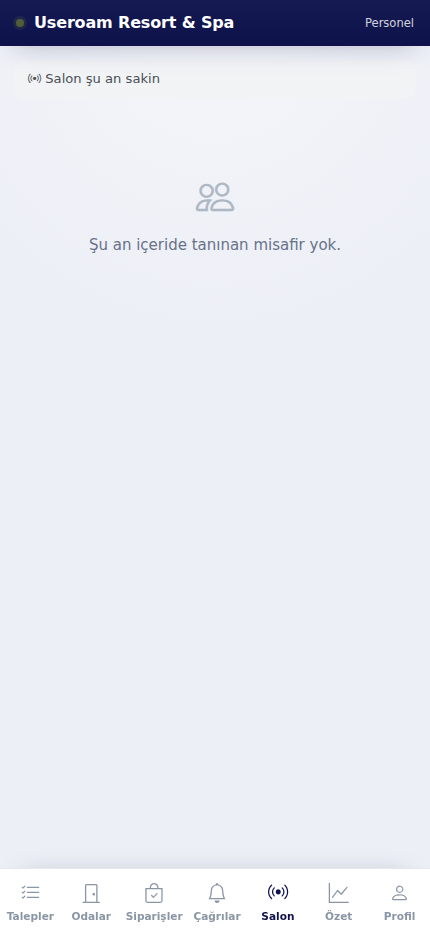
The Floor tab shows the recognised guests currently inside the venue. Guests who have joined the Wi-Fi and been recognised before are listed here, so staff serve them knowing who is in the room.
How do I open it? The Floor item in the bottom bar.
What it shows
With nobody recognised inside, the screen reads "Floor is calm now — No recognized guests inside right now." Otherwise guests are listed as cards.
This tab is the on-the-floor counterpart of the panel's Live Radar and Guest 360° screens: recognising a returning guest, remembering a birthday or a preference, and serving accordingly.
Personal data: How much guest detail is shown depends on the viewing guest data (unmasking) permission on the panel's Module Permissions screen.
Related pages: Bumerang → Live Radar, Guest 360°; Settings → Module Permissions.