
Floor
The Floor tab shows the recognised guests currently inside the venue. Guests who have joined the Wi-Fi and been recognised before are listed here, so staff serve them knowing who is in the room.
How do I open it? The Floor item in the bottom bar.
What it shows
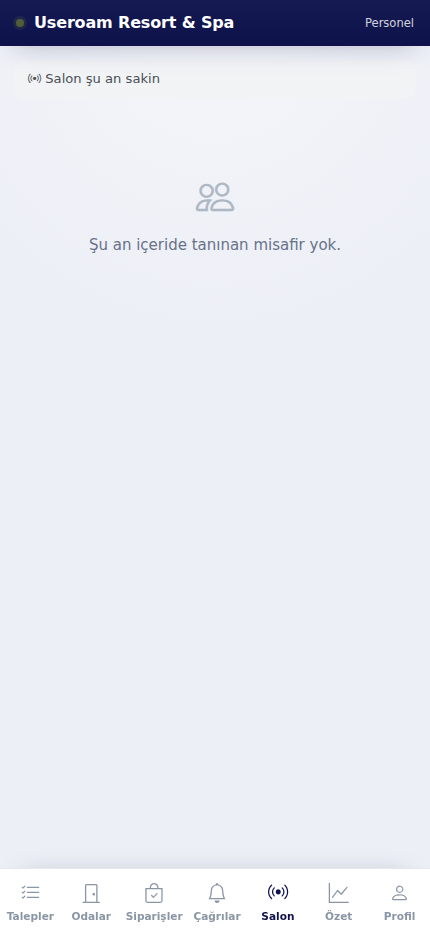
With nobody recognised inside, the screen reads "Floor is calm now" and "No recognized guests inside right now.". Otherwise guests are listed as cards.
Each guest card shows how long they have been inside (e.g. "25 min inside"), Last visit: how many days ago, a First visit badge for newcomers and a Champion badge for the most loyal guests. Phone numbers are masked.
The strip at the top shows the floor's pulse: "Floor, last 15 min: 6 menu activity" (guests browsing the digital menu in the last 15 minutes).
This tab is the on-the-floor counterpart of the panel's Live Radar and Guest 360° screens: recognising a returning guest, remembering a birthday or a preference, and serving accordingly.
Personal data: How much guest detail is shown depends on the viewing guest data (unmasking) permission on the panel's Module Permissions screen.
Related pages: Bumerang → Live Radar, Guest 360°; Settings → Module Permissions.