
Requests
Requests is the app'stab openingthe tab.app opens on. Staff see the requests assigned to them and those waiting in the pool, take them and close them here.
How do I open it? This tab opens when you
entersignthe app. Thein. Requestsitemin the bottom bar always brings youback.back; the number on it is the count of open requests.
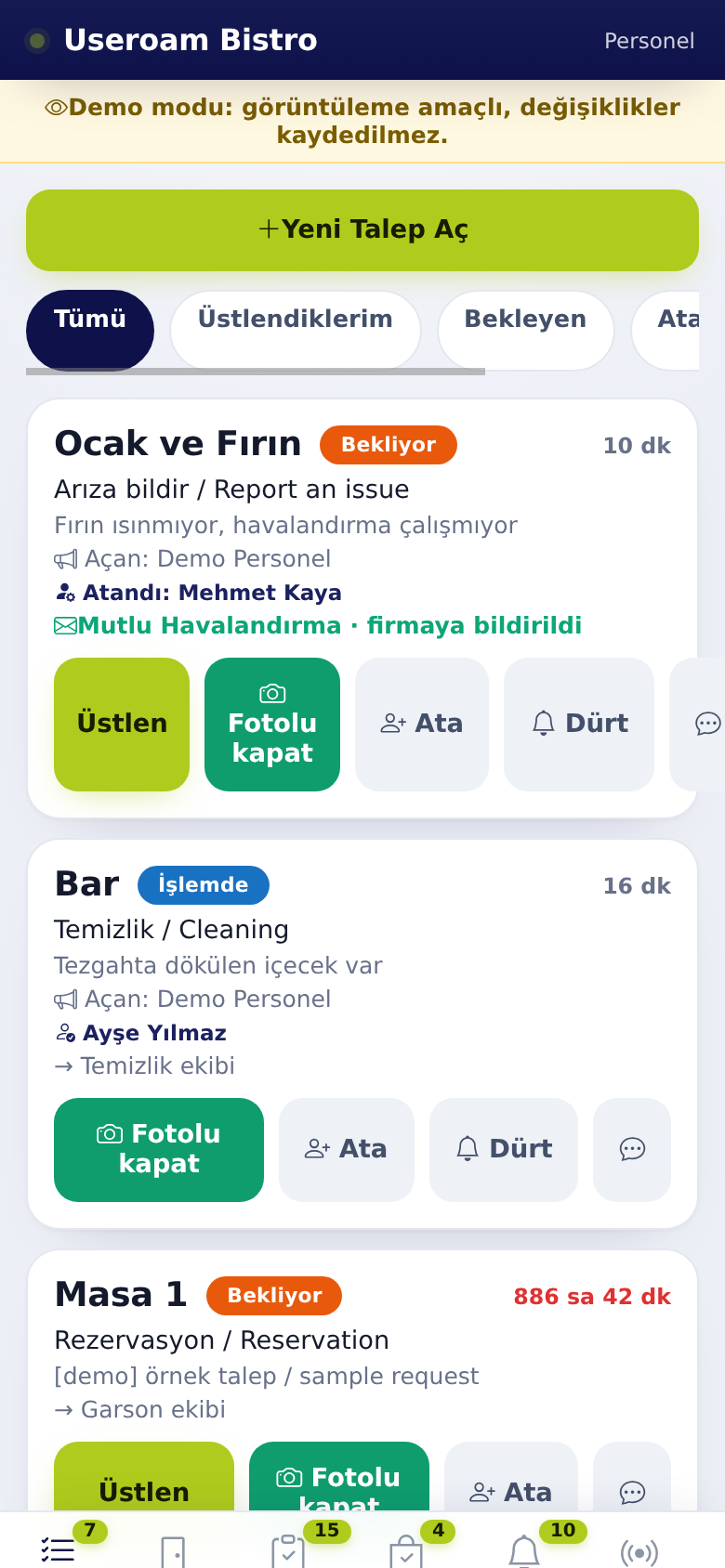
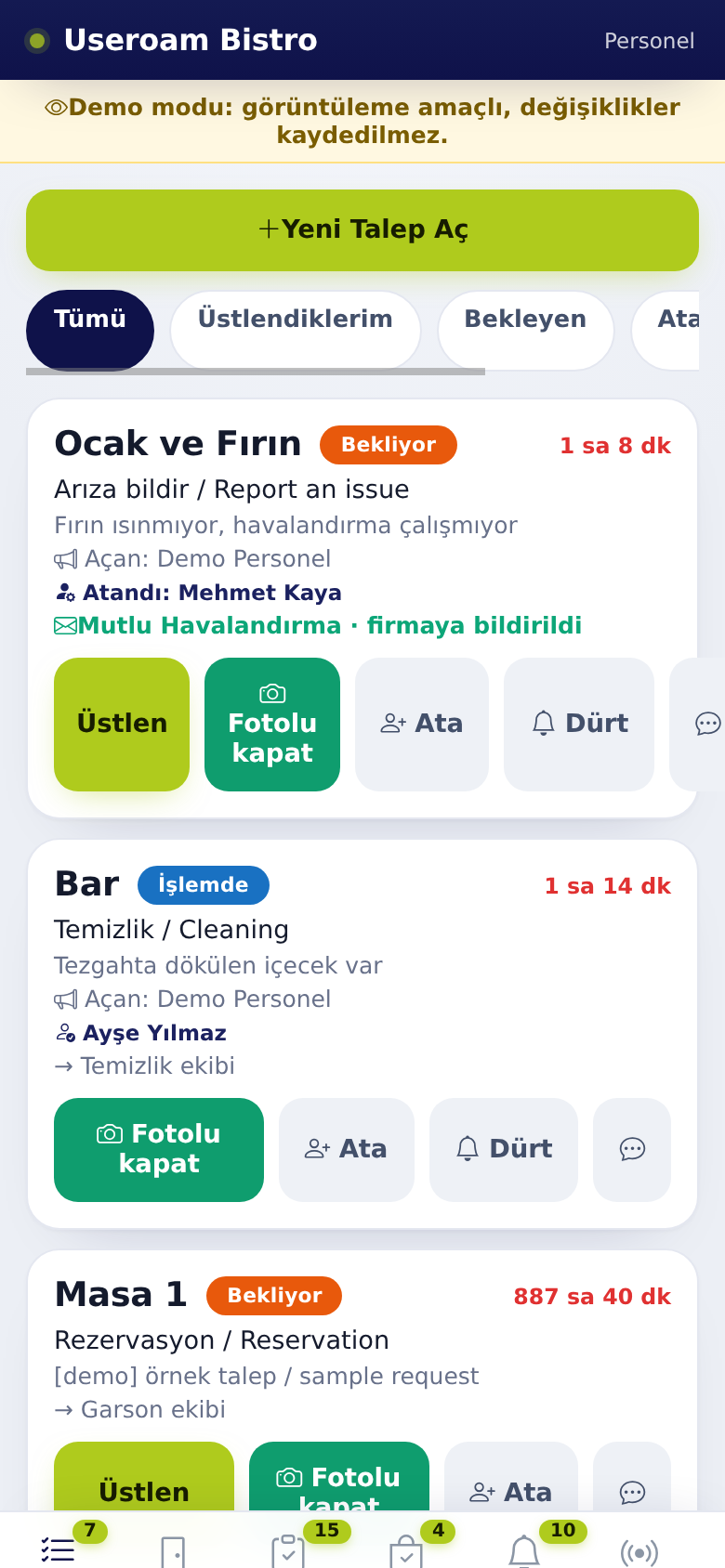
1. Filters
- All: every open request you can see.
- Assigned to me: only
therequests you hold. - Pending: requests
no onenobody has taken yet. - Room Service: food orders to rooms in a hotel (if any).
- Managers also get Unassigned and Overdue.
With no open requests you see "No pending requests, great job.".
2. Request card
The card shows the place,place (room or point), status badge (pending, in progress), elapsed time, request type, description, elapsed time, who opened it (Opened by:) and who holds theit job.(Assigned: or · assigned to you).
- Tap Take
(Üstlen). The screen shows Assigned to you; the job is now yours and shows your name in thepanel and the app.panel. - Do the job.
CloseToitshowwithyou have started on site, you can also tapClose▶withStartphotojob in the point's menu (FotoluseekapatRooms).- Tap Fotolu kapat (close with photo), take a photo and close. The screen shows Fault closed or Updated.
Photo rule: if the venue set a minimum number of photos for a request type, you cannot close with fewer: "At least 1 photo(s) are required to close this request."
If a job you hold is given to someone else,else you get a notification that the job hasJob moved to someone else.else Thenotification. speech-bubbleWhen icona onnew job arrives the cardphone letsalerts you writeand aNew messagetask onarrived the🔔 request.appears.
3. Room service orders (hotel)
A food order to a room arrives as a request card with a next-step button: Prepare → Ready → Deliver. Tap once per step.
4. Messages
- Tap the speech bubble on the card.
- Earlier messages are listed; if none, you see "No messages yet.".
- Type your message and send.
- On restaurant requests the chat is between managers and staff ("Write a message (managers and staff see it)…"). The other side gets a New message on a request notification: managers if the job holder wrote, otherwise the job holder.
- On hotel requests the message goes to the guest ("Reply to guest…").
5. Opening a new request
Use
- Tap + New Request at the top of the
listlist. - Choose the request type. "Automatically routed to
reportthesomethingrelevantyoudepartment." - Type
onorsite.pick the place and add a short note. - Tap Create Request. The screen shows Request created.
Managers always see this button; staff see it if the venue allowsturned it.on Staff can open requests from the app in the panel. Managers can also pick a person; if they do not, Automatic: least busy person now is used.
4.6. Manager only
Managers
- Assign and Nudge buttons on
thecards. - An
and acompany notifiedenvelope badge on jobs automatically reported to aservicesupportcompany.company: company notified, notification awaiting approval (panel) or could not notify company. - In a restaurant, a warning strip for overdue requests: "3 request(s) exceeded SLA, please check."
Details: Manager toolsTools and tasksTasks.
Related pages: Useroam Go → Rooms,
Manager tools and tasksTasks,ProfileManager Tools and Tasks, Messages and Errors.