
Rooms
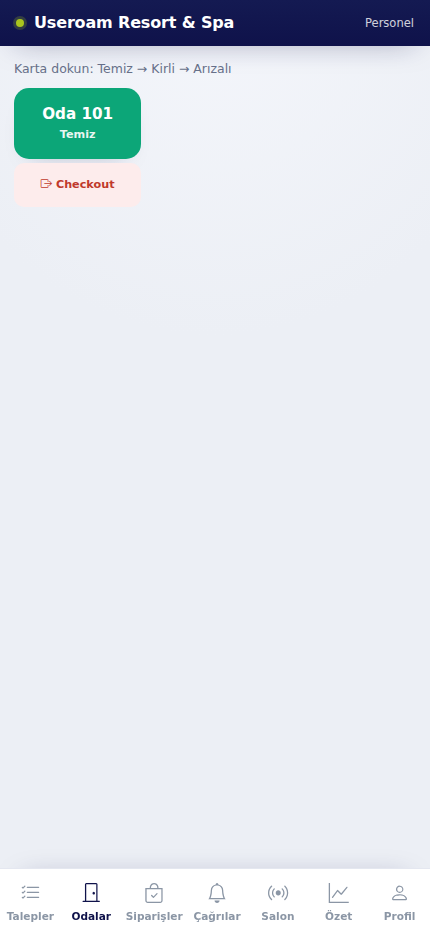
The Rooms tab is the housekeeping team's working screen. The hotel's rooms are listed as cards, each showing its current cleaning status.
How do I open it? The Rooms item in the bottom bar. This tab only appears for businesses with the hotel module enabled, and for the relevant departments.
1. Changing status
The instruction at the top reads "Tap the card: Clean → Dirty → Faulty". Each tap moves the room to the next status:
- Clean: The room is ready.
- Dirty: Waiting to be cleaned.
- Faulty: Something in the room needs fixing; it is flagged as a priority in the panel.
The change reaches the panel immediately — reception and managers see the same colour on the room board.
2. Checkout
Related pages: Useroam Go → Requests, Summary; Hotel Solution → Room Board.