
SMS / WhatsApp Reports
What is it for?
SMS/WhatsAppWhatsapp Reports givegives youperiod-based the listlists of guests who registeredsigned throughup thewith captivetheir portalphone: who signed up or signed in today, yesterday, this month or in a date range you choose; from which province, district and neighbourhood; by SMS or WhatsApp.WhatsApp.
When itdo I use it?
- You want to see
whohowregisteredmanywhen,new guests signed up today or this month. - You want to
locatelist guests who came in arecordspecificwhendatearange. - You
requestwantarrives,to see which areas your guests come from.
Before you start
- The report shows the selected device's guests. Employees on the Excluded Users list are left out.
- Numbers and
tonamesexportareyourmaskedguestunderlist.theTurkish
HowdatadoprotectionIlaw,openKVKK.
Step Fromby step
- In the left
menu,menugo toopen Analytics and Reports→and click SMS/WhatsAppWhatsapp Reports.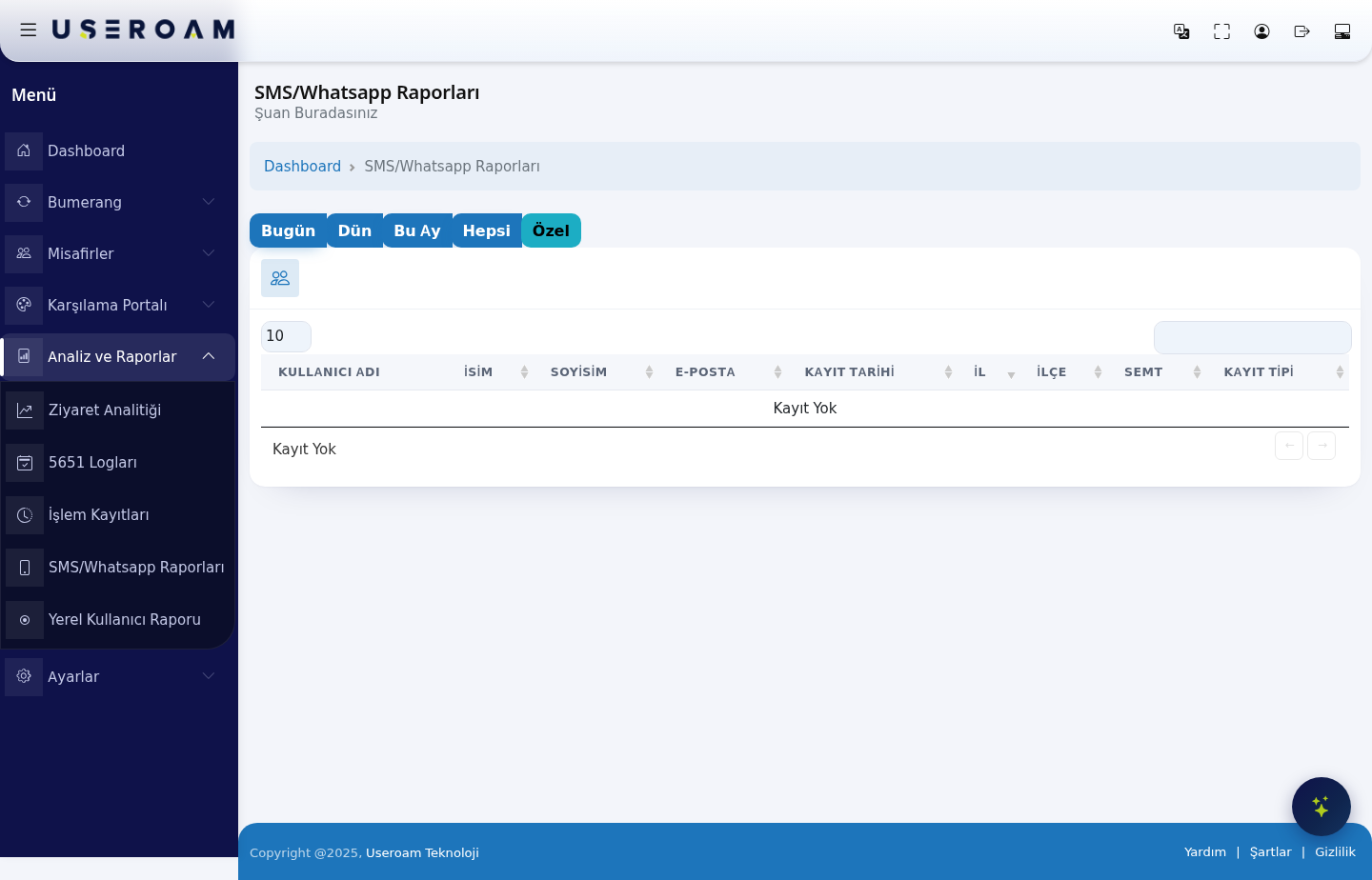
ChoosingChoose the period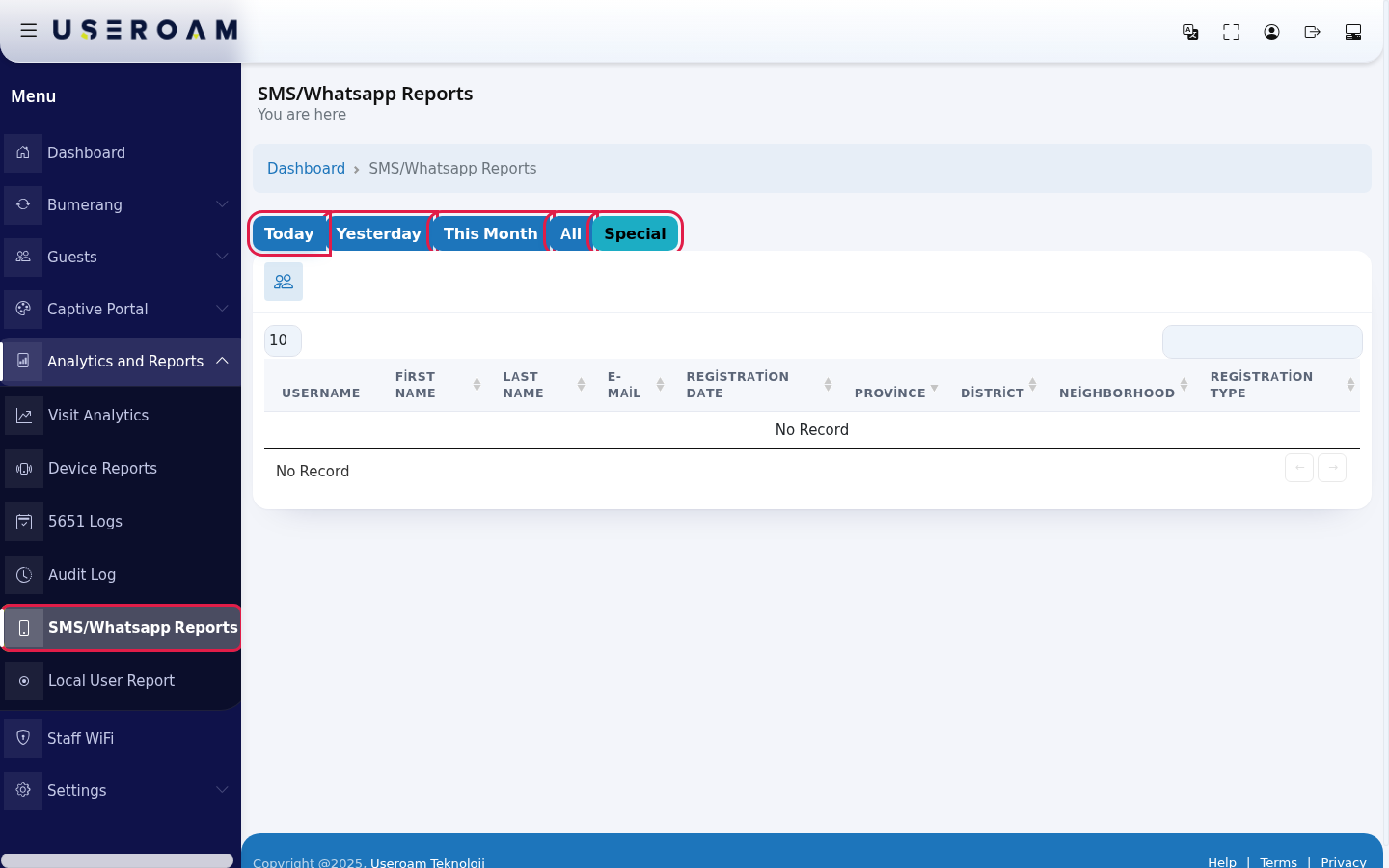
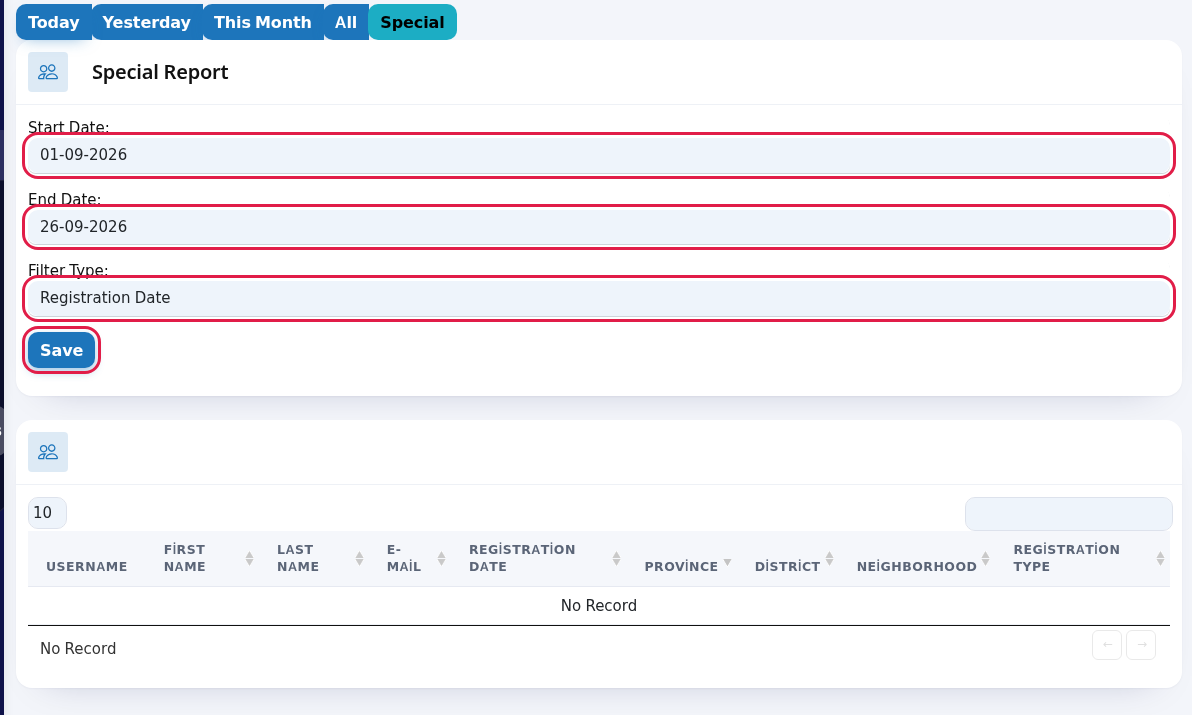
- For a specific range press Special. In the Special Report card choose Start Date and End Date (day-month-year). In Filter Type choose what to filter by: Registration Date (first sign-up day) or Last Login (the last day they connected). Press Save; the table refreshes for that range.
- Review the table. Search with the box at the top
ofright and choose rows per page at thepage:top left.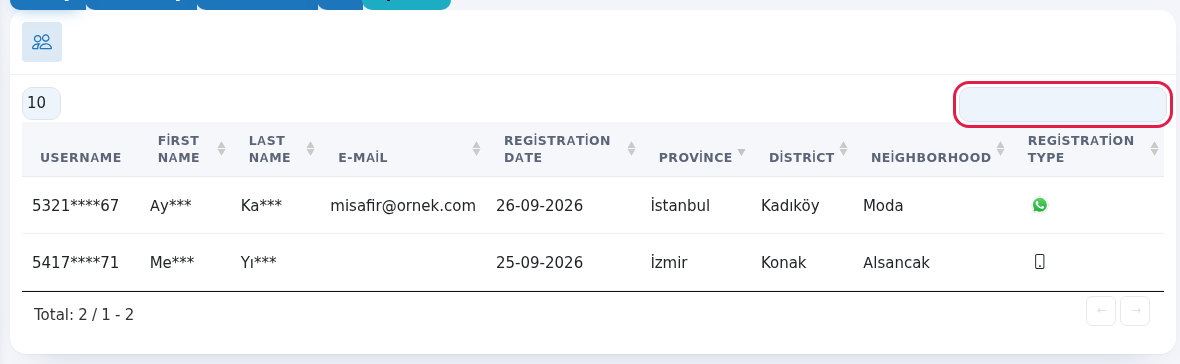
Every field and button on the screen
| Field / Button | What it does |
|---|---|
| Today, Yesterday, This Month, All | Ready |
| Opens the |
| Start Date | Custom range. |
| Filter Type | Filters by Registration Date |
| Save | Applies the |
| Username, | Guest |
| Registration Date | First |
| Province, District, Neighborhood | Location stored in the guest |
| Registration | Phone |
| Search | Search,
|
Frequently asked questions
The report is empty.
No guest signed up in the selected period. Press search boxAll filtersto instantly acrosssee all columns. When there is nothing to show, the table reads "No Record".records.
Where can I see how often guests come back?
On Visit Analytics and on Guest 360° under Bumerang.Related
pages:pagesGuests
→- SMS / WhatsApp Users
,Settings- Visit
→AnalyticsSMS Settings,Settings → WhatsApp Settings.