
Visit Analytics
What is it for?
Visit Analytics (the heading on the screen is Yoğunluk & Ziyaret Analitiği, occupancy and visit analytics) turns Wi-Fi connections into a picture of how busy your venue is: how many different people came, on which days and hours it gets busy, how long guests stay, how much data they use and how many come back.
When do I use it?
- You want the busiest days and hours for staff planning.
- You wonder how long guests stay on average and whether they come back.
- To see whether visitor numbers changed after a campaign or event.
Before you start
- The numbers are calculated from the session records your firewall sends. If the device sent no session data in the last 90 days, a setup guide for your firewall brand appears (… RADIUS accounting kapalı görünüyor, RADIUS accounting appears to be off); once that setting is made, the numbers fill by themselves.
- Employees on the Excluded Users list are not counted.
- This screen is in Turkish only, also in the English interface. The English names below are for guidance.
Step by step
- In the left menu open Analytics and Reports and click Visit Analytics. Choose the period with 7 gün, 30 gün (default) and 90 gün (7, 30, 90 days) at the top right.
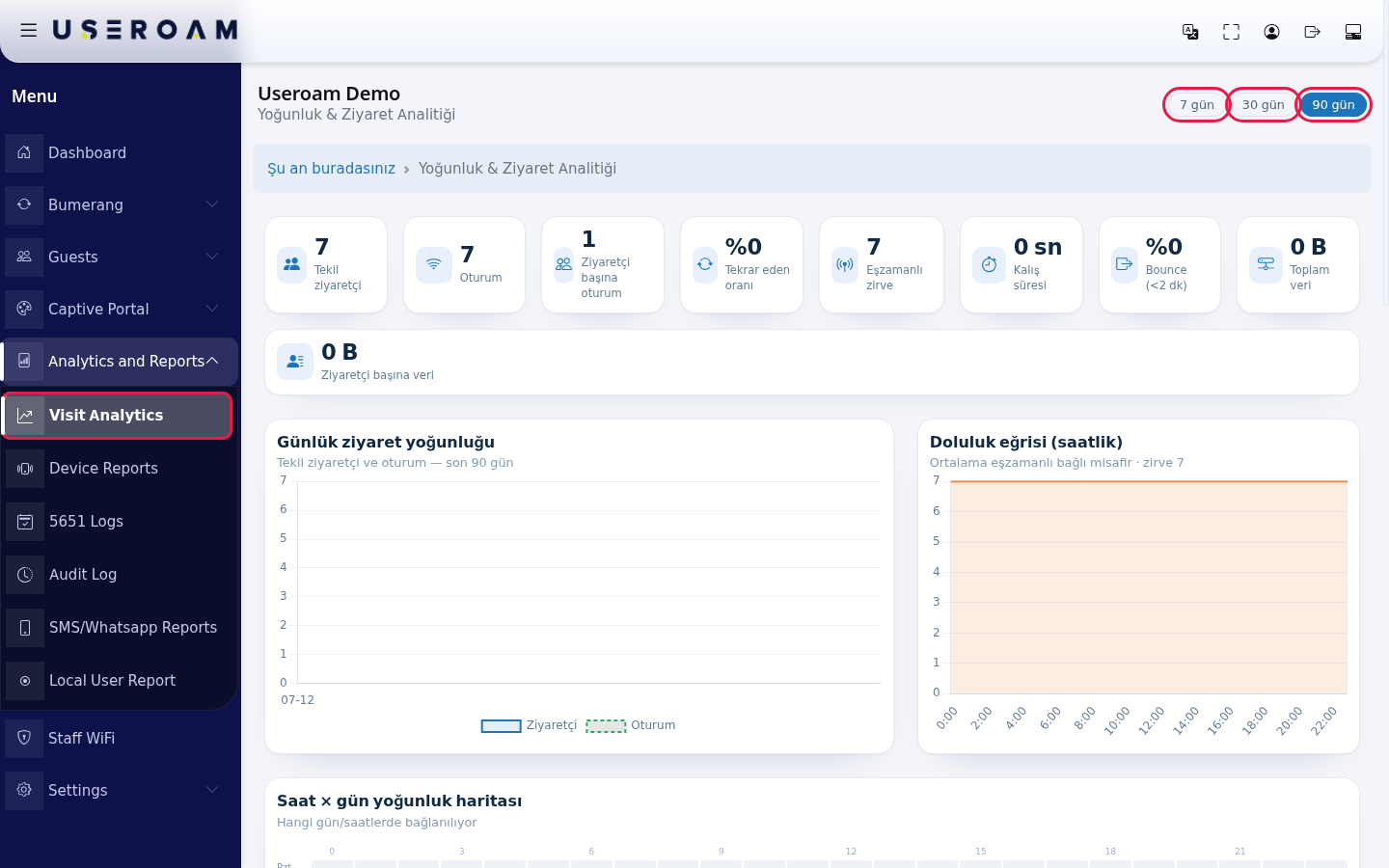
- Look at the summary boxes: Tekil ziyaretçi (unique visitors), Oturum (sessions), Ziyaretçi başına oturum (sessions per visitor), Tekrar eden oranı (returning rate), Eşzamanlı zirve (concurrent peak), Kalış süresi (dwell time), Bounce (<2 dk), Toplam veri (total data), Ziyaretçi başına veri (data per visitor).

- The Günlük ziyaret yoğunluğu (daily visit density) chart shows unique visitors and sessions for each day.
- The Doluluk eğrisi (saatlik) (hourly occupancy curve) shows how many guests are connected at the same time on average in each hour; the highest value is shown as zirve (peak).
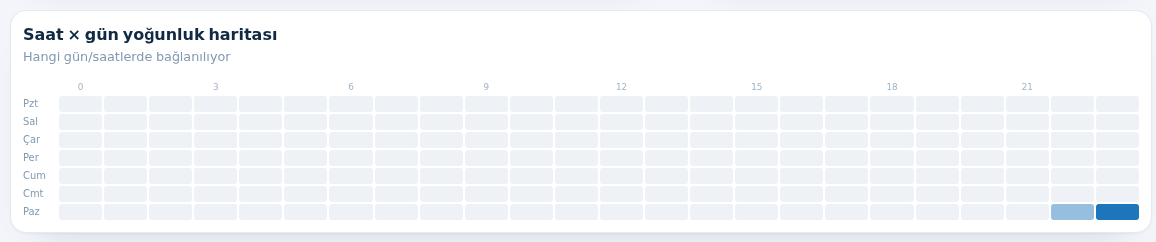
- In the Saat × gün yoğunluk haritası (hour × day heat map) dark squares are the busiest days and hours (rows Monday to Sunday, columns hours 0-23).
- The Günlük veri kullanımı (GB) (daily data use) and Oturum veri dağılımı (session data distribution) cards show how much data was used. The distribution groups sessions into 0 / veri yok (no data), <100 MB, 100 MB–1 GB, 1–10 GB and 10 GB+.
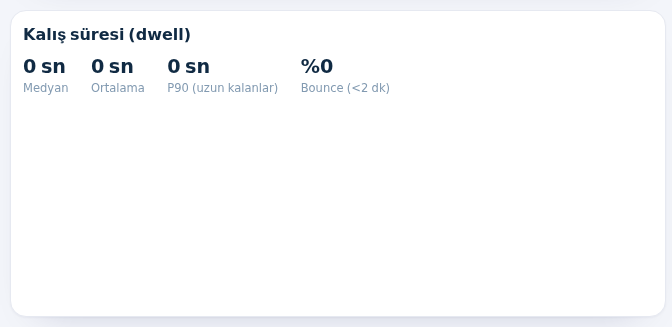
- The Kalış süresi (dwell) card shows Medyan (median: half of guests stay shorter), Ortalama (average), P90 (uzun kalanlar) (long stayers) and Bounce (<2 dk). The En çok veri tüketen (top data users) list next to it shows the guests who used the most data in the period.
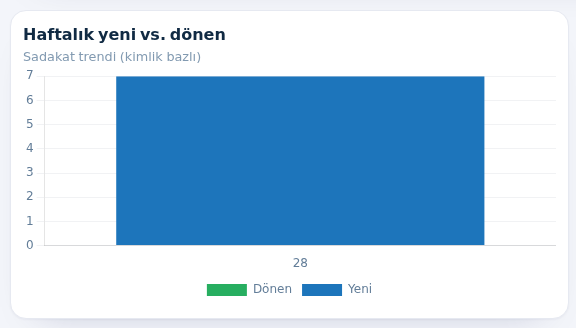
- The Haftalık yeni vs. dönen (weekly new vs returning) chart compares, week by week, first-time guests with guests who came before (Yeni / Dönen).
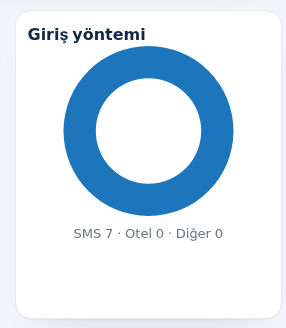
- Giriş yöntemi (sign-in method) shows how guests signed in (SMS, Otel hotel, Diğer other).
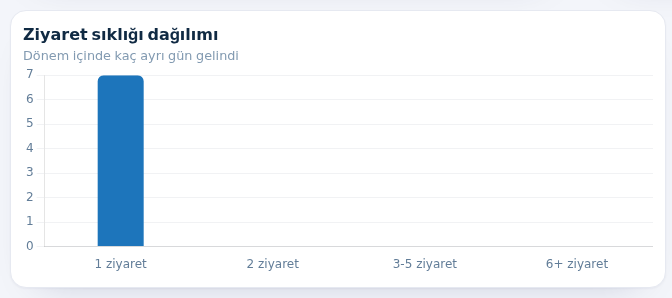
- Ziyaret sıklığı dağılımı (visit frequency) shows on how many different days guests came in the period (1 ziyaret, 2 ziyaret, 3-5 ziyaret, 6+ ziyaret), and En sadık ziyaretçiler (most loyal visitors) lists the most frequent ones. If nobody came back it says "Tekrar eden ziyaretçi yok." (no returning visitors).
- At the bottom, the Bölge / AP analitiği (area / access point analytics) card is for density per access point. If your firewall does not send access point details in its connection records, it says "veri yok" (no data) and explains that the map fills by itself once this is enabled.

Terms
| Term | Meaning |
|---|---|
| Unique visitors | Number of different people who connected in the period (someone who came 10 times counts once). |
| Session | Each connection. A guest can open several sessions in a day. |
| Returning rate | Share of guests who came on more than one day. |
| Concurrent peak | The highest number of guests connected at the same time. |
| Dwell time | How long a guest stayed connected in one session. |
| Bounce (<2 dk) | Share of sessions shorter than 2 minutes: people who connected and left at once. |
| P90 | 90 percent of sessions are shorter than this; it describes the longest-staying 10 percent. |
Frequently asked questions
All numbers are zero.
There is no session data in the period you chose. Switch to 90 gün; if it is still empty and the setup guide appears, session recording (accounting) is off on the firewall.
Dwell time shows 0.
Your firewall may not report session ends. Then time and data figures stay incomplete; contact support to have your setup checked.