
Room Board
The Room Board shows the live status of every room in your hotel as a coloured card: which room is clean, dirty or out of order, and who is responsible for it. Checkout is done here too.
What is it for?
- Shows the workload of housekeeping and the technical team on one screen.
- Lets you assign a responsible person to each room.
- Puts a room into the cleaning flow with one button when the guest leaves (Checkout).
When do you use it?
- When you first set up the hotel module, to create the room list.
- During the day, to see dirty and out-of-order rooms and assign people.
- When a guest checks out, to mark the room dirty.
Before you start
- A hotel profile must exist (Guest Portal).
- You can also create rooms in the
hotelVenueonSetuponeWizard;screen:therewhichyouroomscanarepasteclean,roomwhichnamesarecontainingdirty,letterswhich(A101,haveSuite-3) as afault,list.
Step theyby arestep
- Open the
operational map for the floor supervisor and reception.How do I open this screen?board.FromIn the leftmenu,menugo topressBumerang → BUSINESSHotel → Room Board. (ItThe Rooms tab on Request Management is the samescreen as theRoomstab in Request Management.board.)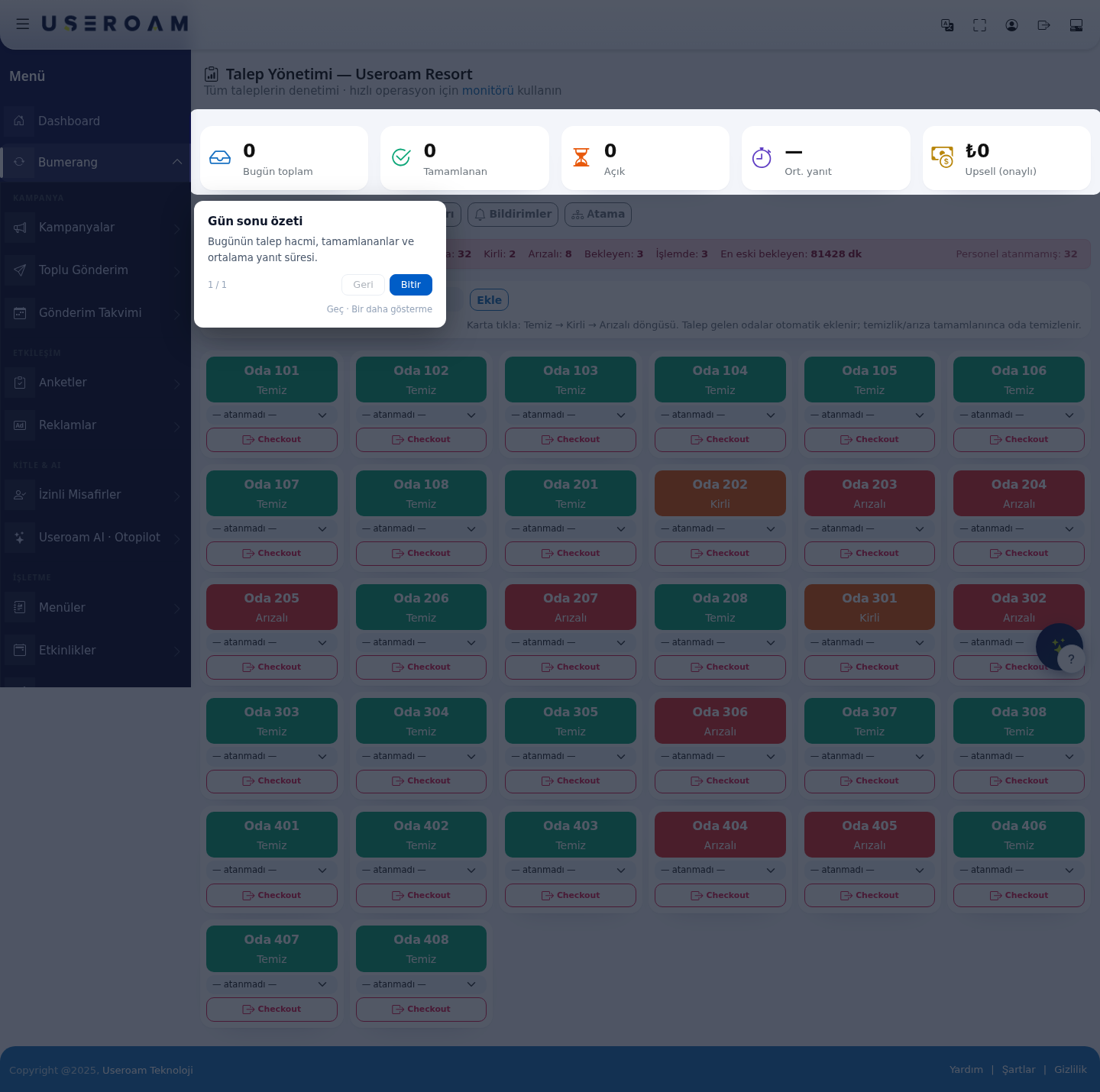
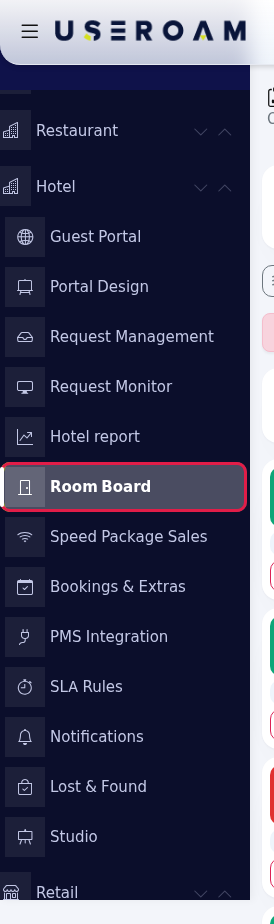
- Create the room
listlist.At the top of the board isOn the Create roomlistlist:field.rowEntertype the first and last room number (for example101and120) and press Add;.everyEveryroomnumber in between is addedtoas a clean room; existing rooms are left alone. Repeat for each floor (201-220, 301-320...). At most 300 rooms are added in one go.
- Change the
board.statusand
Note:rooms that raiseassign arequestperson.areEach press on the coloured top part of a room card moves the status on:addedCleanautomatically(green) → Dirty (orange) → Out of order (red) → Clean. Pick the responsible person in the list under the card; the choice saves at once. A card without a person shows unassigned.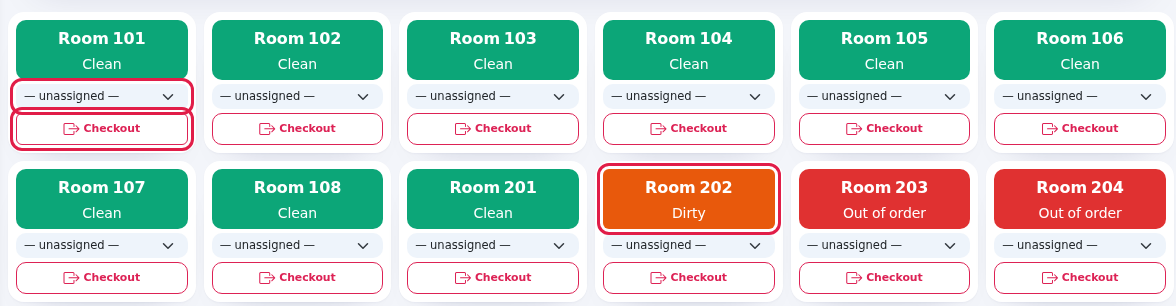
- Check out. When the
cleaningguestorleaves,faultpress Checkout on the room card. A confirmation appears: Room 204, check out this room? Open requests will be closed, the room moves to dirty (awaiting cleaning). The guest record iscompleted,not deleted. After you confirm, the room's open requests are cancelled ([checkout kapanışı] is added to the staff note) and the roomreturnsbecomestoDirty. - Check rooms awaiting checkout. If your hotel management system (PMS) is connected, rooms whose check-out date fell in the last 3 days but whose card is not yet dirty are listed in an orange card above the board. Press Checkout on each of those rooms.

1. Building
2.Every Roomfield statesand button on the screen
Each
| Field / button | What it does | Example |
|---|---|---|
| Create room | Adds the range. Both boxes must be filled; if they are empty nothing is added. | 101 - 120 |
Hint: Click the card: Clean → Dirty →
| Reminds you how the board works. If a
| - |
| Room | Pressing
| Room 202 · Dirty |
| Person list (unassigned) | Picks the room's responsible staff member. In | Ayşe Yılmaz |
| Checkout | Closes | - |
| Rooms with a PMS check-out date in the last 3 days that are still not dirty. Each badge reads Room 204 · check-out 2026-09-26; a room without a card on the board gets no room record. | Room 410 · check-out ... | |
| Card text: Rooms whose check-out date has passed in the last 3 days but haven't yet entered the cleaning flow. Press Checkout on the relevant room card, the guest record is | Tells | - |
| No rooms yet, add a range above. | Shown when the | - |
The summary cards and live status strip above the board are the same as on Request Management: Request Management.
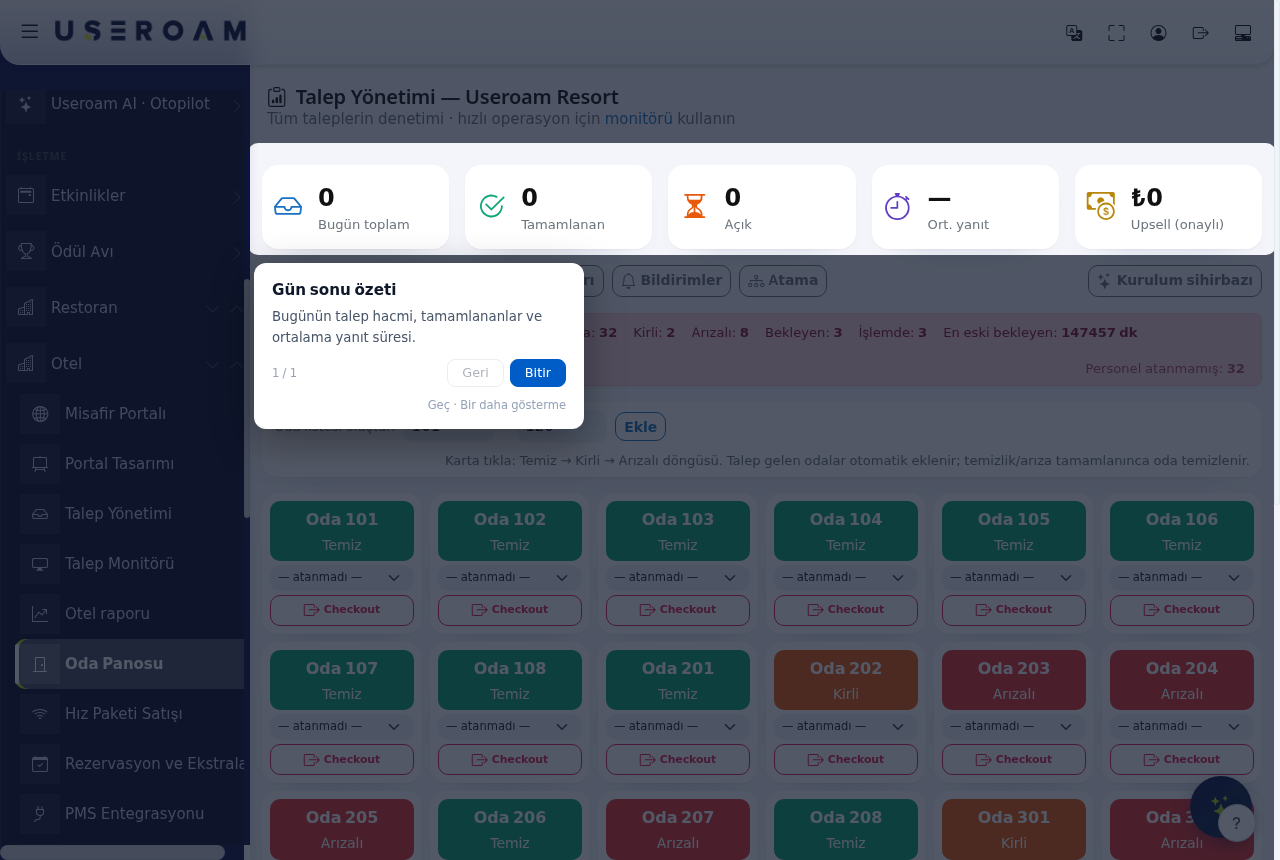
6.Panel New:versus cleanUseroam lock and rooms in progressGo
- In the
staffpanel, pressing a card only changes its status; setting a room to Out of order does not open a malfunction request. In the Useroam Go app, tapping a room opens a menu:Clean,choosingDirtyOut of order,Faulty.asksOnlyforFaultya note and photo and opens arequest.Malfunction Staffrequest;cannot seton a dirty roomwithStartancleaningopenstarts a cleaningorjob.faultIfrequestyou want the team toClean.trackWhena malfunction, open the requestisfromclosed,the app or with Open New Request (reception) on Request Management. Details: Useroam Go: Rooms.Frequently asked questions
My room numbers contain letters (A101, Suite-3). How do I add them?
The range on this screen only works with numbers. In the roomreturnsstep of the Venue Setup Wizard, paste the room names as a list (one room per line).Cleaning is finished, why is the room still dirty?
A room goes back to clean byitself.itself - when a cleaning or malfunction request is completed on Request Management or in Useroam Go. If
someonetherehaswastakenno request, press its card to bring it to Clean.Does Checkout cut the
room'guest'sjob,internet?
No. Checkout only changes requests and room status; it does not touch theboxguestturnsrecordblueor PMS data.I never see the Rooms awaiting checkout card.
It only appears when a PMS is connected andshowsthereInareprogressrooms· Name. Onwith adirty room, staff use▶ Start cleaningto take the job. Managers can give a room to a staff member withAssign room ownercheck-out in theapp.last 3 days that are not yet dirty (PMS Integration).Can I delete a room?
There is no delete button for rooms on this screen.Related pages
- Request Management · Setting up your hotel on day one
SharedOperations: areassuchotherasthantherooms (lobby,poolpool,orrestrooms)boilerandroomdailyaretasks- Useroam
underGo:Operations → Points; in the app they appear under theAreasbutton.Rooms
managedThe Operations and Automation screens are described in theRestaurant Solutionbook; they work the same way for hotels.Related pages:Hotel Solution → Request Management,Request Monitor,SLA Rules.