
License Information
What is it for?
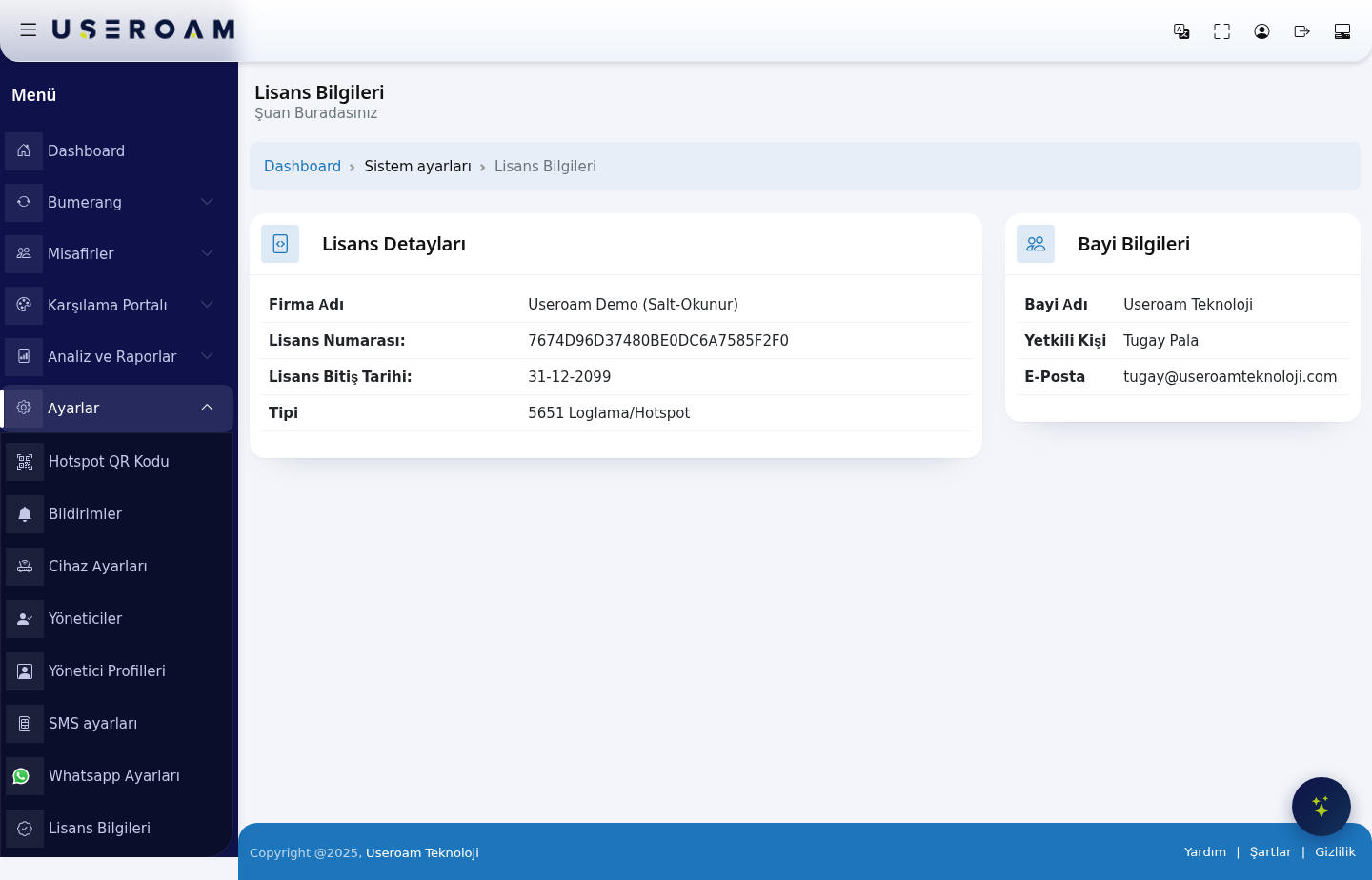
The License Information is a read-only screen showingshows your account'sthe license statusof the selected device and the contact details of the dealer serving you. TheIt valuesis for information only; nothing here cannotcan be edited;changed. licenseLicense renewals and scope changes goare throughdone by your dealer.
How do I open
this screen?it?FromIn the left menu,go toclick Settings → License Information.
When
do 1.I Licenseuse Detailsit?
- You want to know when your license ends.
- You need your license number when talking to support or your dealer.
- You want to reach your dealer's contact person and e-mail address.
Step by step
In the left menu, click Settings → License Information. The License Details card is on the left, Dealer Information on the right.
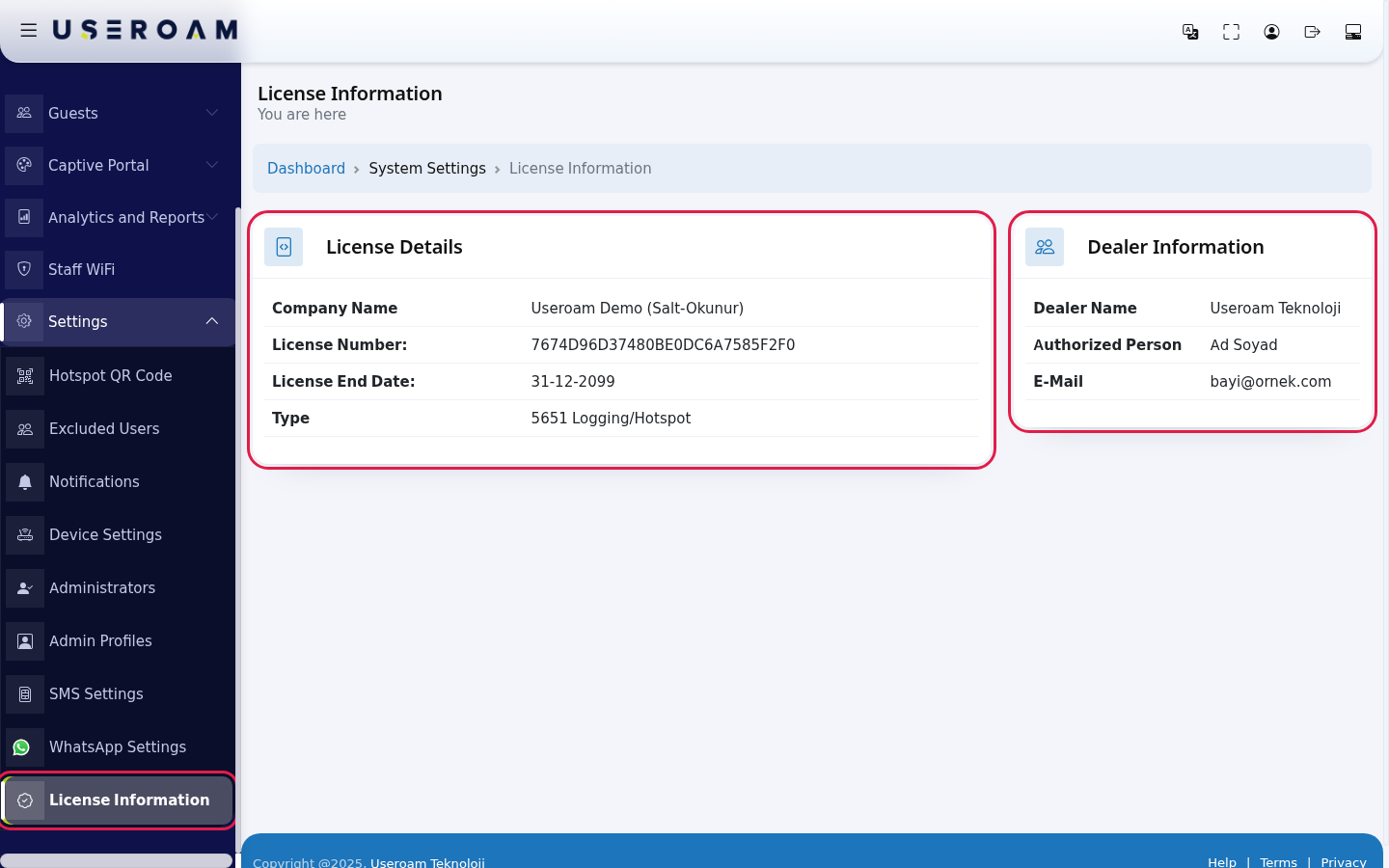
Check the License End Date: row. If the date is near, write to your dealer at the E-Mail address on the right.
Every field on the screen
In the left menu, click Settings → License Information. The License Details card is on the left, Dealer Information on the right.
Check the License End Date: row. If the date is near, write to your dealer at the E-Mail address on the right.
| Field | What it shows |
|---|---|
| Company | The |
| License Number: | The number of the license |
| License End Date: | The last |
| Type | The license scope: 5651 Logging/Hotspot (guest Wi-Fi and 5651 recording) or 5651 Loglama (5651 recording only). |
| Dealer Name | The dealer who provided the license. |
| Authorized Person | Your contact at the dealer. |
| The dealer's e-mail address. |
Under the title it says You are here). The scopepath determinesline whichat modulesthe youtop canreads use.Dashboard ›
System Settings › License Information; click Dashboard to return to the home screen.
2.Frequently Dealerasked Informationquestions
Can I extend my license here?
No. This screen is for information only. Contact your dealer to extend it.
I have several devices. Are all their licenses here?
No. The screen shows the license of the currently selected device. For another device, switch to it on Device Selection.
A license I just bought is not shown.
A new license starts when it is linked to a device. Choose it when adding a device: Adding a New Device.
Related pages
DealerAddingName:atheNewpartner providing the license.DeviceAuthorizedDevicePerson:your contact on the dealer side.SettingsE-Mail:Devicethe dealer's contact address. Write here about renewals, scope extensions and billing.Selection
For technical support:for installation and integration problems, write todestek@useroamteknoloji.com.
Related pages:Settings → Device Settings,Analytics and Reports → 5651 Logs.