
WhatsApp Settings
What is it for?
The WhatsApp Settingssign-in definesettings screen decides the format of the password generated forwhen thea "Logguest logs in to Wi-Fi with WhatsApp"WhatsApp, flow,and thewhich group the guest is added to, and the message text that is sent. If you enabled the module on the WhatsApp Portal page, this page must be configured as well.to.
How do I open
this screen?it?FromIn the left menu,go toclick Settings → WhatsApp Settings. To offer WhatsApp login to guests, also use WhatsApp Portal Settings.
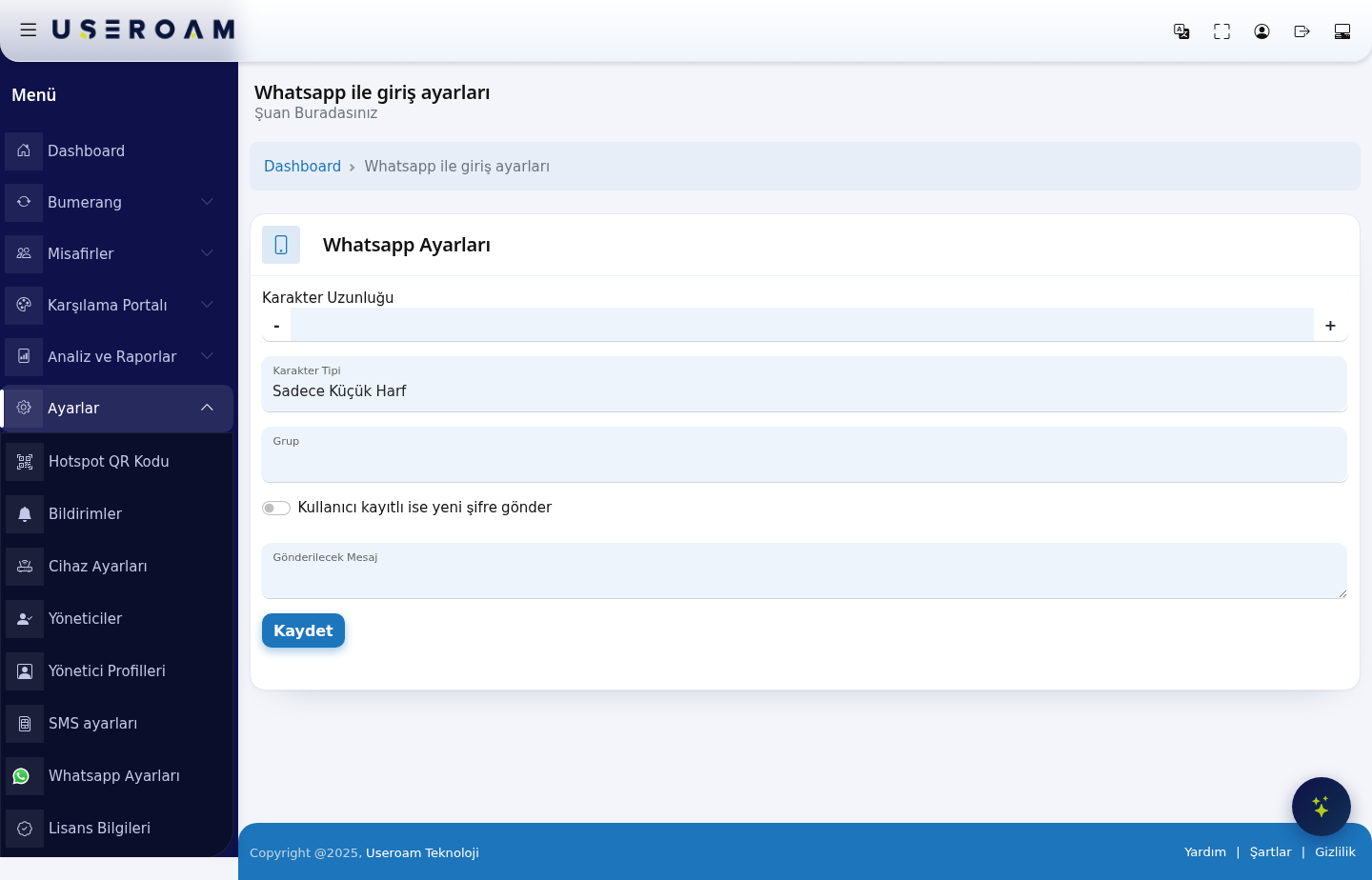
When 1.do PasswordI generationuse it?
- You are turning on WhatsApp login for the first time and want to set the password format.
- You want guests who log in with WhatsApp to be added to a different group (speed, duration, quota rules).
- You want to change whether a guest
placementwho registered before gets a new password at every login.
Before you start
- Create the guest group first on Groups.
- For WhatsApp login to work on the guest side, WhatsApp addresses must be allowed on your firewall. See your device's setup guide.
Step by step
In the left menu, click Settings → WhatsApp Settings. The WhatsApp Settings card opens.
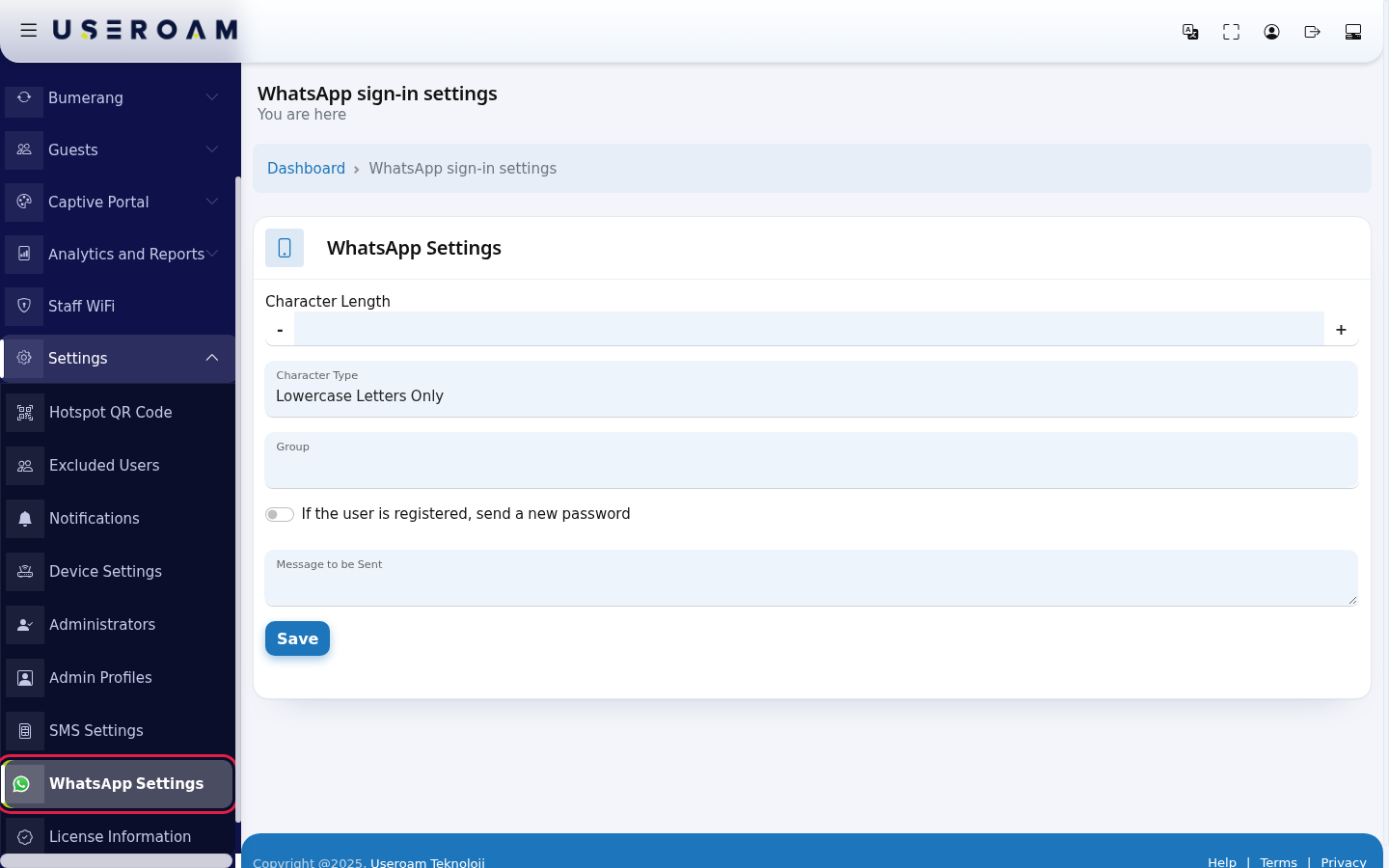
Fill in the fields:
- Character
Length:Length: how many characters the generated password has;has. adjust with theUse - and + buttons.or type the number (e.g. 6).
- Character
Type:Type: Lowercase Letters Only, Uppercase Letters Only, Letters Only, Numbers Only or All.
Group:Group: the user group that guests registeringwho overlog in with WhatsApp are added to. The group's quota and duration rules apply to them (Guests → Groups).- If the user is registered, send a new
password:password: generatesif on, a number that registered before gets a new password whenat anevery already-registered number logs in again.login.
- Message to be
Sent:Sent: message text, at most 160 characters. Write {password} where the textpassword deliveredshould go.
Then click Save. The screen reloads and shows the values you saved; no separate confirmation message appears.
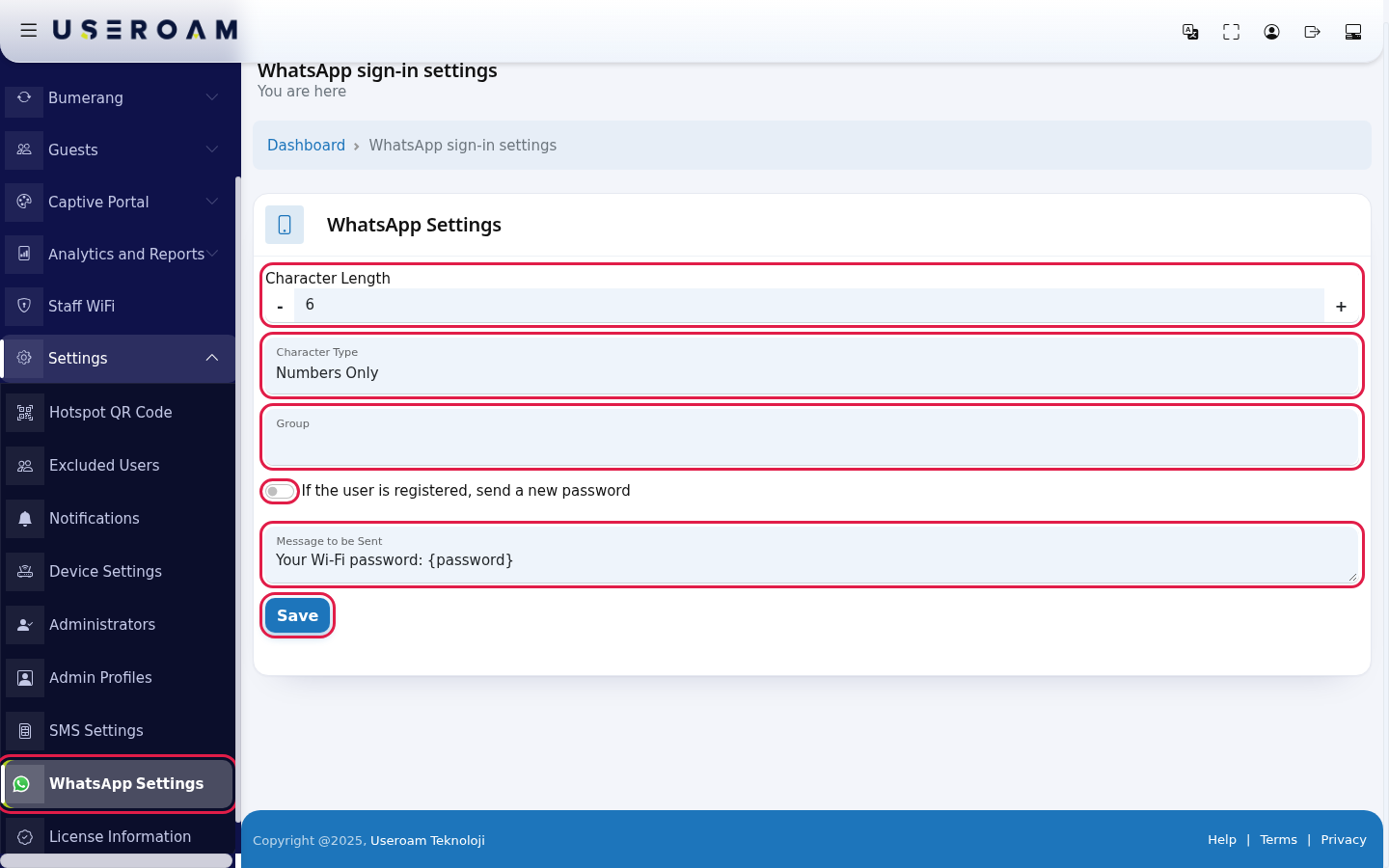
Every field and button on the screen
In the left menu, click Settings → WhatsApp Settings. The WhatsApp Settings card opens.
Fill in the fields:
- Character
Length:Length: how many characters thegeneratedpasswordhas;has.adjust with theUse - and +buttons.or type the number (e.g. 6). - Character
Type:Type: Lowercase Letters Only, Uppercase Letters Only, Letters Only, Numbers Only or All. Group:Group: theusergroupthatguestsregisteringwhooverlog in with WhatsApp are added to.The group's quota and duration rules apply to them (Guests → Groups).- If the user is registered, send a new
password:password:generatesif on, a number that registered before gets a new passwordwhenataneveryalready-registered number logs in again.login. - Message to be
Sent:Sent: message text, at most 160 characters. Write {password} where thetextpassworddeliveredshould go.
Then click Save. The screen reloads and shows the values you saved; no separate confirmation message appears.
| Field / Button | What it does | Example |
|---|---|---|
| Character Length | Number of characters in the password. | 6 |
| Character Type | Which characters the password uses. | Numbers Only |
| Group | Group of guests who log in with WhatsApp. When you save, the WhatsApp portal's group is set to the | Guests |
| If the user is registered, send a new password | Whether | On |
| Message to be Sent | Message text, at most 160 characters. | Your Wi-Fi password: {password} |
| Save | Saves the |
2.Frequently Serviceasked / API settingsquestions
The advanced section defines the delivery service:
Provider:Mobilişim (Ekomesaj)is a ready-made integration; choosingOthermeans defining the parameters yourself.URLandHTTP Method(GET/POST): the service endpoint and request type.Use country code/Add leading zero:number formatting. Choose only the one your service expects.Response value:the value the service is expected to return on a successful send.Username,Password,Header:the service account credentials.Request parameters:Parameter/Parameter Valuerows, managed with+and-.
Confirm your changes with Save.
WhatsApp verification messages are sent with ready-made templates approved by WhatsApp, so the
*the template text.
The group list is empty.
There is no group for this device yet. Create one on Groups.wa.me
*.whatsapp.comDo *.whatsapp.netothers).WhatsApp Detailssettings areaffect ineach theother?
No. InstallationSMS Guides.
is
seton SMS Settings, WhatsApp login separately on this screen.
Related
pages:pagesCaptive
- WhatsApp Portal
→Settings- SMS
Portal,SettingsGuests- Groups
→ Groups,Analytics and Reports →- SMS / WhatsApp Reports
.