
Live Radar
What is it for?
Live Radar (Useroam Radar, "Live Floor Monitoring") is a full-screen board that shows, live, the recognised guests who are in your venue right now and have been before. When a known guest connects to Wi-Fi they appear on screen, so staff see at once that a VIP or a long-absent guest has arrived.
When do you use it?
- To keep open on a screen at the front desk or till.
- When you want to give special attention to a loyal or drifting guest when they arrive.
- When you want to see how busy the floor is and how much the menu is being viewed.
Step by step
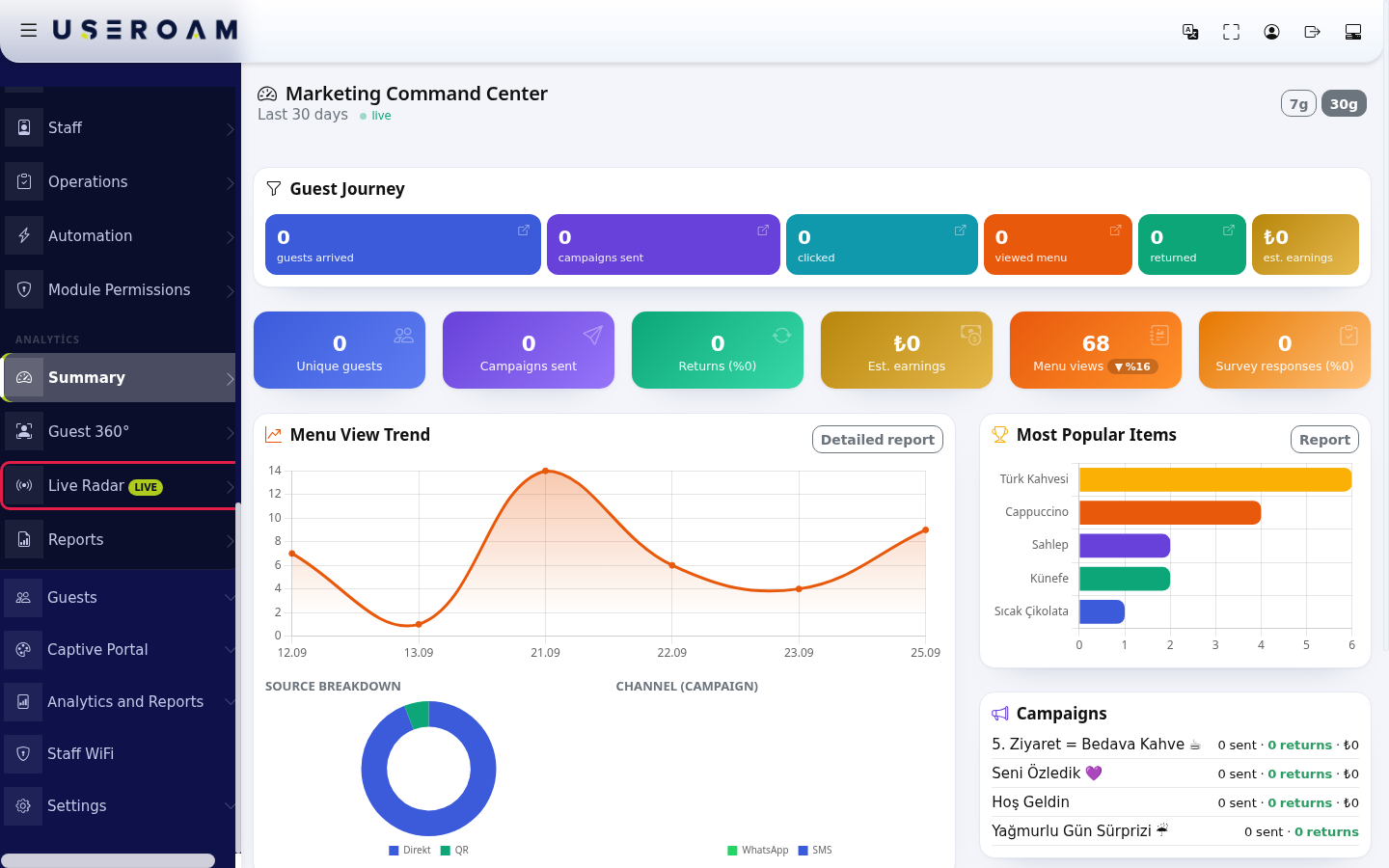
- In the left menu, under the ANALYTICS heading, click Live Radar (with the LIVE badge).
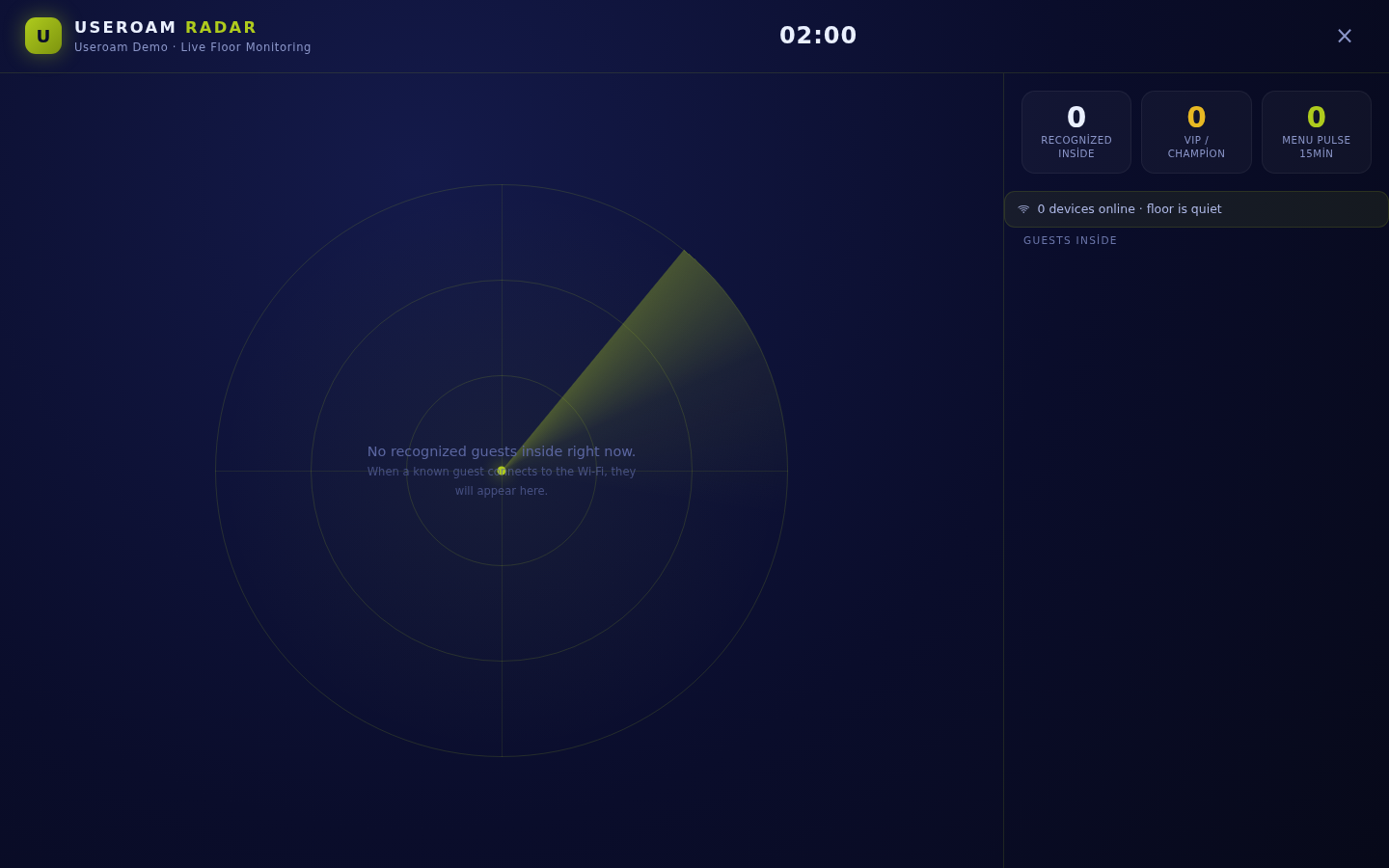
- The radar opens full screen. Recognised guests inside appear as dots on the radar in the middle; on the right are three numbers: Recognized Inside, VIP / Champion and Menu Pulse 15min (menu opens in the last 15 minutes). The strip below shows "… devices online" and the floor status ("floor is quiet" when nothing is happening, otherwise "… menu views (15min)"). The Guests Inside list shows each guest's name, segment, visit number, last visit and minutes inside. The clock is at the top; the Close (cross) button at the top right closes the screen.
Information on the screen
| Item | Meaning |
|---|---|
| Segment badges | Champion, Loyal, New, At Risk, Dormant, Lost (see Guest 360°). |
| Visit information | "… . visit", Last visit: "today" or "… days ago"; for a first-time guest "First visit". "… min inside" shows how long the guest has been connected. |
| Consent | "📣 marketing opt-in" or "no consent": whether campaigns can be sent to the guest. |
| Guest without a name | Shown as "Guest"; phone numbers are masked. |
| Empty screen | "No recognized guests inside right now." and "When a known guest connects to the Wi-Fi, they will appear here." |
Frequently asked questions
The screen is always empty.
Radar only shows guests who registered before (recognised). A first-time guest joins the list once registration is complete. If no recognised guest is inside, the screen stays empty.
Do my staff appear on the radar?
Phone numbers on the Excluded Users list are not shown.
How do I close the screen?
Press the cross (Close) at the top right.