
Notifications
What is it for?
The Notification Settings screen stores, for the selected device, in which situations you want to receive an SMS or e-mail notification. Each row is an on/off switch. Preferences are saved per device.
How do I open it? In the left menu, click Settings → Notifications.
Under the screen title it says You are here. Click Dashboard in the path line at the top to return to the home screen.
When do I use it?
- Your setup requires you to approve guest registrations and you want an e-mail when a new registration is waiting.
- You want to change your notification preferences about 5651 records (signing, storage usage, log stream).
- You have several devices and want different preferences per device. The screen always shows the settings of the currently selected device.
Before you start
- SMS notifications go to the mobile number saved in your account, e-mail notifications to the e-mail address saved in your account.
- You change both on the My Profile (Account Info) screen.
Step by step
In the left menu, click Settings → Notifications. The Notification Settings screen opens.
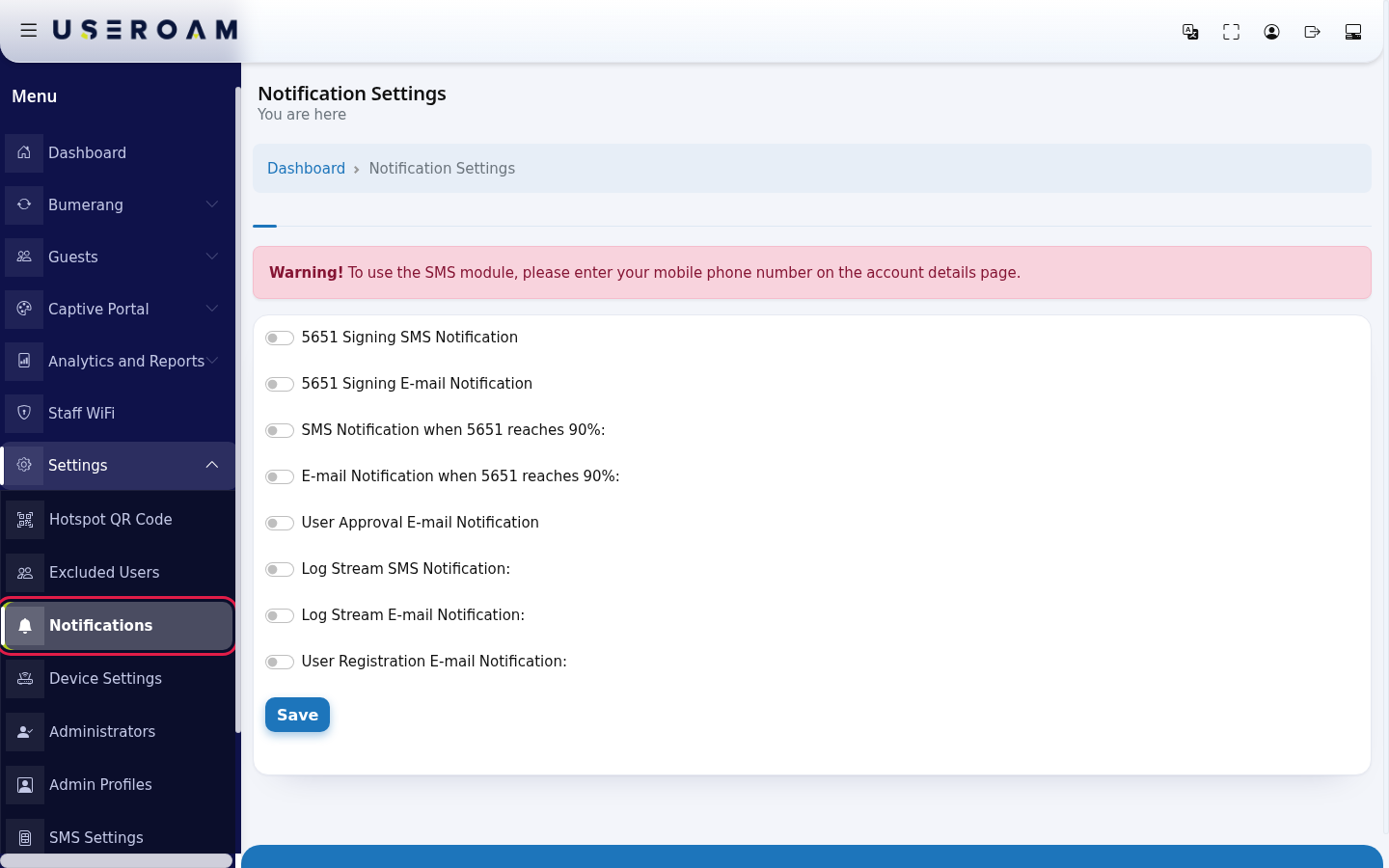
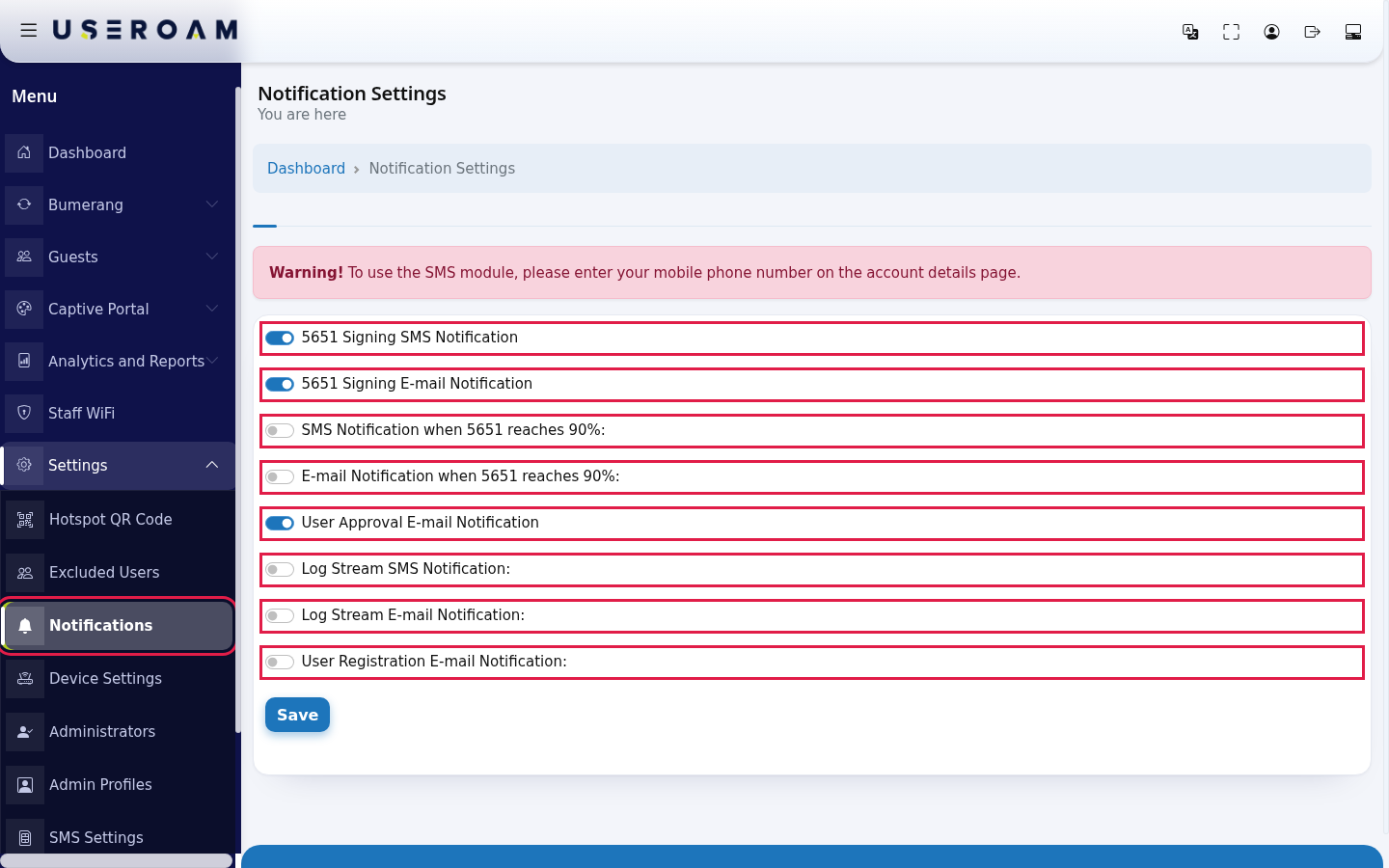
Click the switch of each notification you want. A switch that is on is blue. Turn off the ones you do not want.
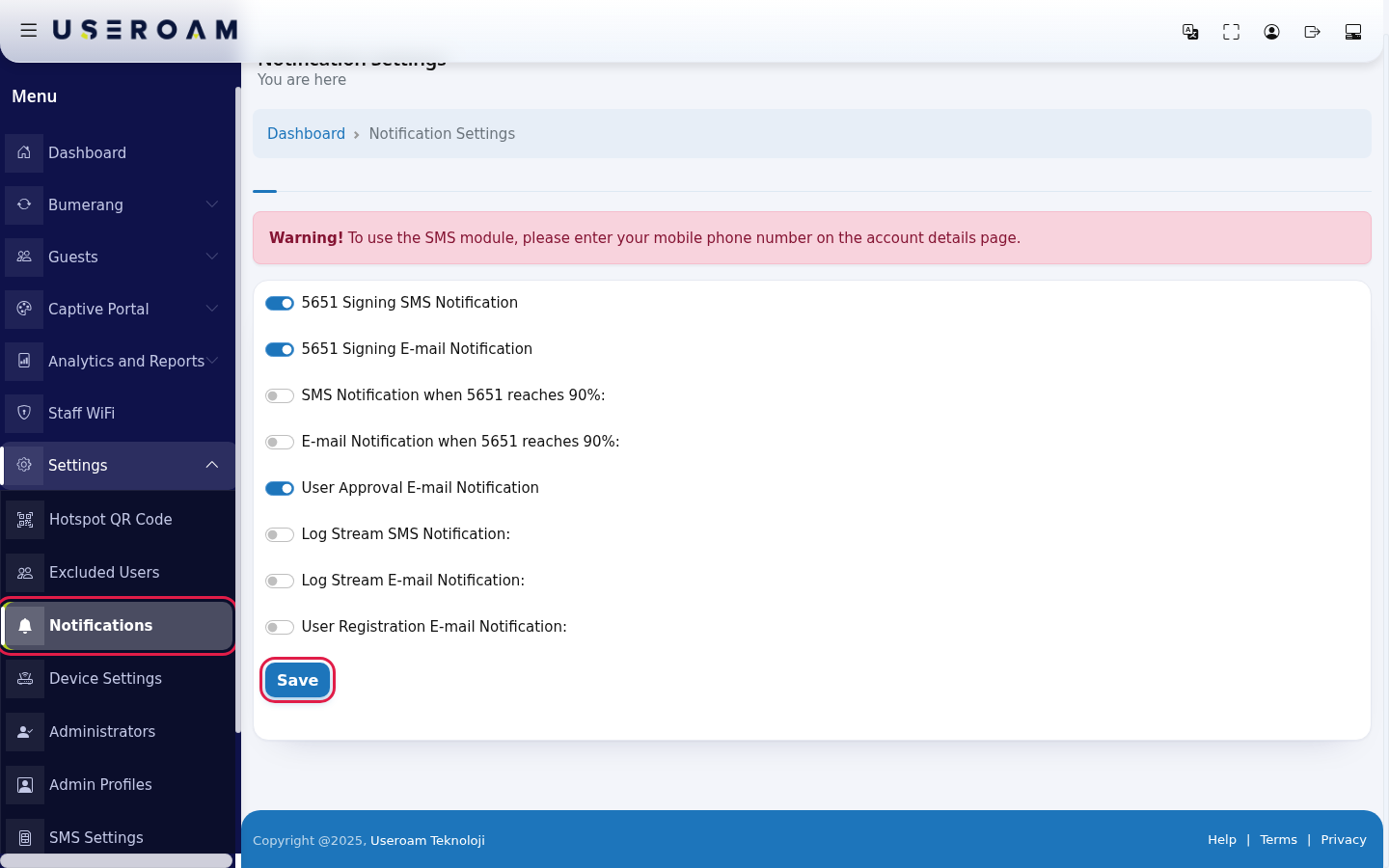
Click Save at the bottom. The screen reloads and the switches show the state you saved.
Every field and button on the screen
| Field / Button | What it does |
|---|---|
| 5651 Signing SMS Notification | Your SMS notification preference about signing of the 5651 log files. |
| 5651 Signing E-mail Notification | Your preference to receive the same notification by e-mail. |
| SMS Notification when 5651 reaches 90%: | Your SMS preference for when the 5651 log storage reaches 90 percent. |
| E-mail Notification when 5651 reaches 90%: | Your e-mail preference for the same situation. |
| User Approval E-mail Notification | In setups where guest registrations need administrator approval, an e-mail titled Kullanıcı Onay Bekliyor (user awaiting approval) is sent to your account e-mail when a new registration is waiting. You approve it on the Pending Approval screen. This e-mail is not part of every device type's login flow. |
| Log Stream SMS Notification: | Your SMS preference about the 5651 log stream coming from the device. |
| Log Stream E-mail Notification: | Your e-mail preference for the same situation. |
| User Registration E-mail Notification: | Your e-mail preference about new guest registrations. |
| Save | Saves the current state of all switches for the selected device. |
Warning you may see on the screen
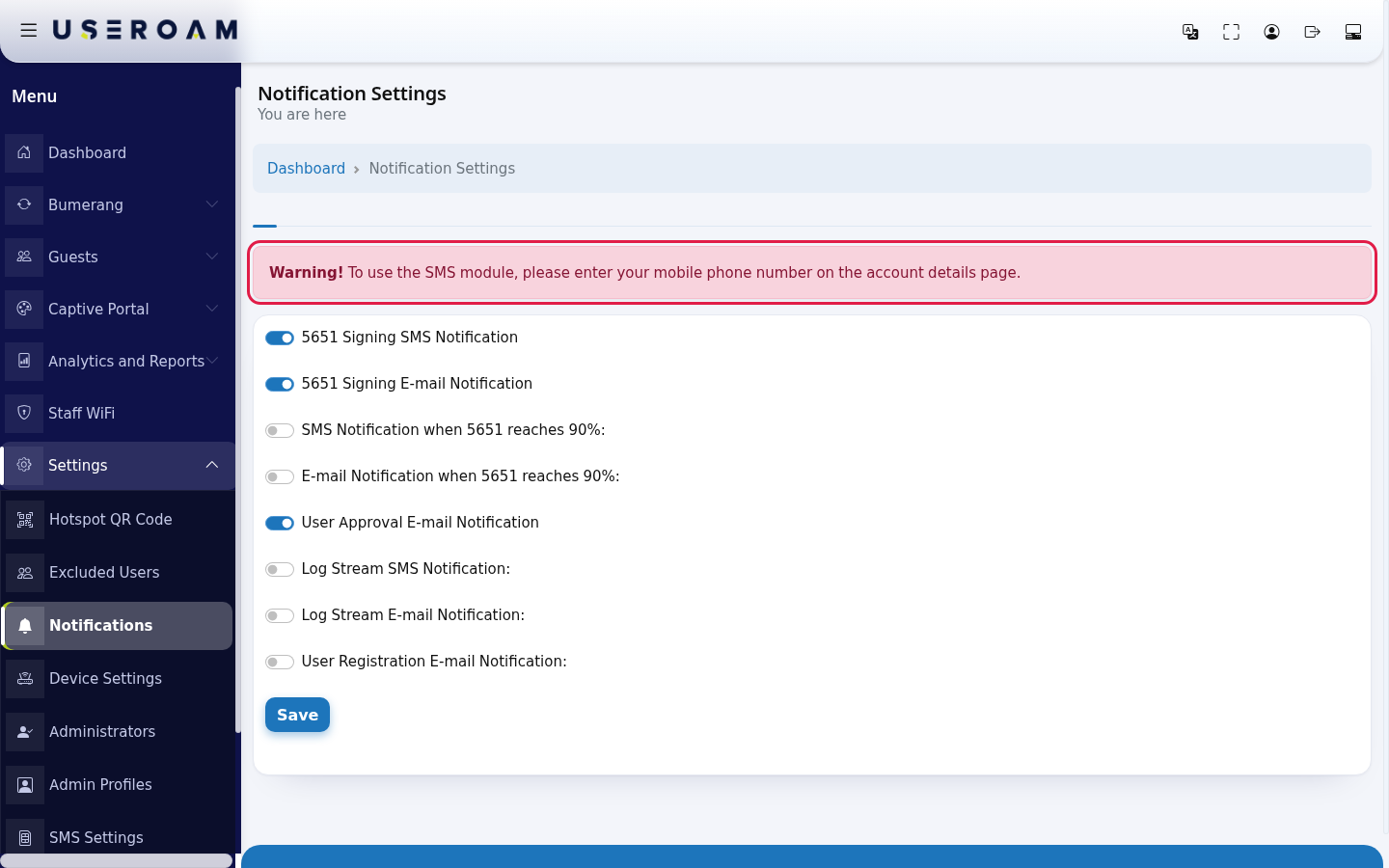
| Warning | What it means, what to do |
|---|---|
| Warning! To use the SMS module, please enter your mobile phone number on the account details page. | No mobile number is saved in your account, so SMS notifications cannot reach you. Open My Profile (Account Info) from the person icon at the top right and enter your mobile number. |
Frequently asked questions
When I switch to another device, the switches are off.
Notification preferences are per device. Open the screen for each device and save separately.
Where does the approval e-mail go?
To the e-mail address saved in your account. Change it on the My Profile (Account Info) screen.
I turned a switch on but receive nothing.
First check that a mobile number and e-mail address are saved in your account. If it continues, contact support and say which notification you expect.